Informative
Why your business email is the key to everything
Your inbox can reset almost every other password you own. Three settings protect it, and each takes a few minutes.
Zinwe team · · 3 min read
Think about what happens when you forget a password. You click "Forgot password", and a reset link lands in your email. Your bank login, cloud drive, accounting software and website all work this way.
So whoever controls your inbox can, in time, control almost everything else.
Short answer: business email security comes first because your inbox is the master key to every other account. Three settings protect it: 2-step verification, up-to-date recovery details, and a regular check of forwarding rules and signed-in devices. Together they take about 15 minutes.
Why is business email security so important?
An email account takeover, where someone else gets into your inbox, rarely looks dramatic. Often there is no sign at all. A quiet forwarding rule copies your mail elsewhere. Password reset emails get read and deleted. Invoices go out with a changed bank account.
Picture a 12-person landscaping company in Texas. The owner uses one email address for the bank alerts, the domain name, the accounting software and every supplier. That address isn't just email. It is the front door to the whole business.
Which three settings protect your business email account?
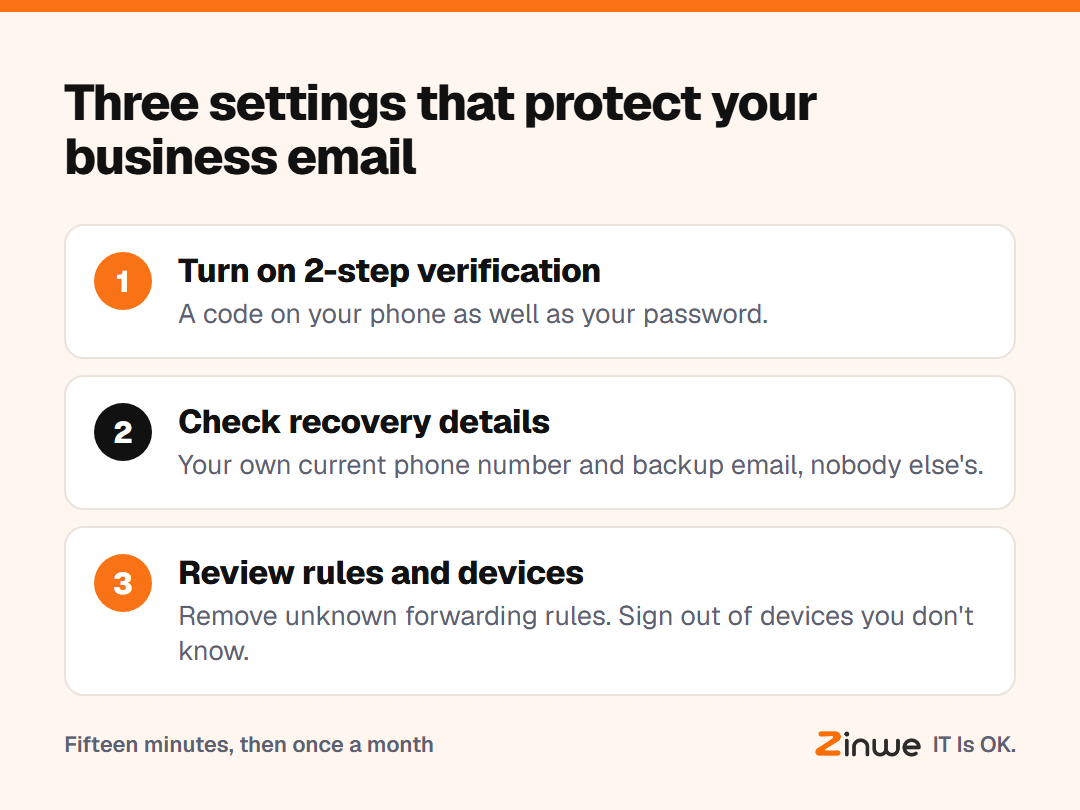
1. Turn on 2-step verification
2-step verification means a code on your phone as well as your password. If your password leaks, the password alone isn't enough to sign in. Google explains how to turn on 2-Step Verification, and most other email providers have a similar setting.
2. Check your recovery details
Your recovery phone number and backup email are how you get back in if you're locked out. Make sure they are yours and current, not an old number or a former employee's address.
3. Review forwarding rules and devices
Open your email settings and look for any forwarding rule you didn't set up. Then check the list of signed-in devices and sign out of anything you don't recognise. Do this once a month.
What about the shared office inbox?
A shared inbox like accounts@ or info@ is often protected by one password that several people know. If your email service allows it, give each person access with their own login instead. If it doesn't, keep the password with one or two people and turn on 2-step verification there too.
In short
- Your inbox resets every other password, so protect it first
- Turn on 2-step verification today
- Check recovery details, forwarding rules and devices monthly
Zinwe doesn't manage email accounts or passwords. It does send a plain-English alert when large files leave a Windows PC as email attachments. Start free for 3 PCs, or work through the simple data protection checklist.