Informative
A simple data protection checklist for small offices
Ten checks across people, PCs, files and leavers. Print it, stick it by the printer and tick it once a month.
Zinwe team · · 3 min read
Most security advice is written for companies with an IT department and a budget to match. This one is written for the wall next to your printer.
Short answer: a useful data protection checklist for a small office has ten checks in four areas: people, PCs, files and leavers. Print it, tick it once a month and fix one thing at a time. You don't need to get all ten done this week.
What should a data protection checklist cover?
Like any small business security checklist, it should fit on one page. Four areas cover most of the everyday risk. People decide how data is handled. PCs are where it sits. Files are what you're protecting. Leavers are the moment it most easily walks out of the door with someone.
Which checks cover people and PCs?
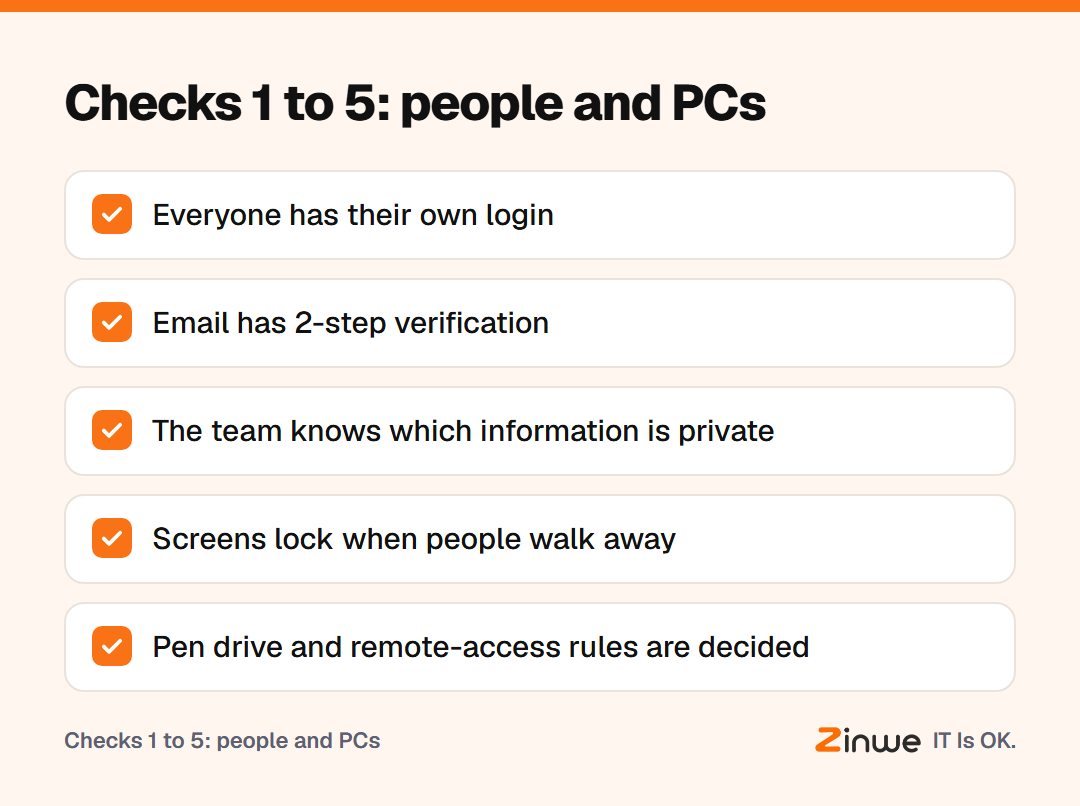
- 1. Everyone has their own login. No shared accounts, so you always know who did what.
- 2. Email has 2-step verification. That means a code on your phone as well as your password.
- 3. The team knows what is private. Customer details, salaries and pricing need extra care.
- 4. Screens lock when people walk away. Set a short auto-lock, and teach Windows key + L.
- 5. You've decided on pen drives and remote-access tools. Allowed, read-only or blocked, by choice rather than by accident.
Which checks cover files and leavers?
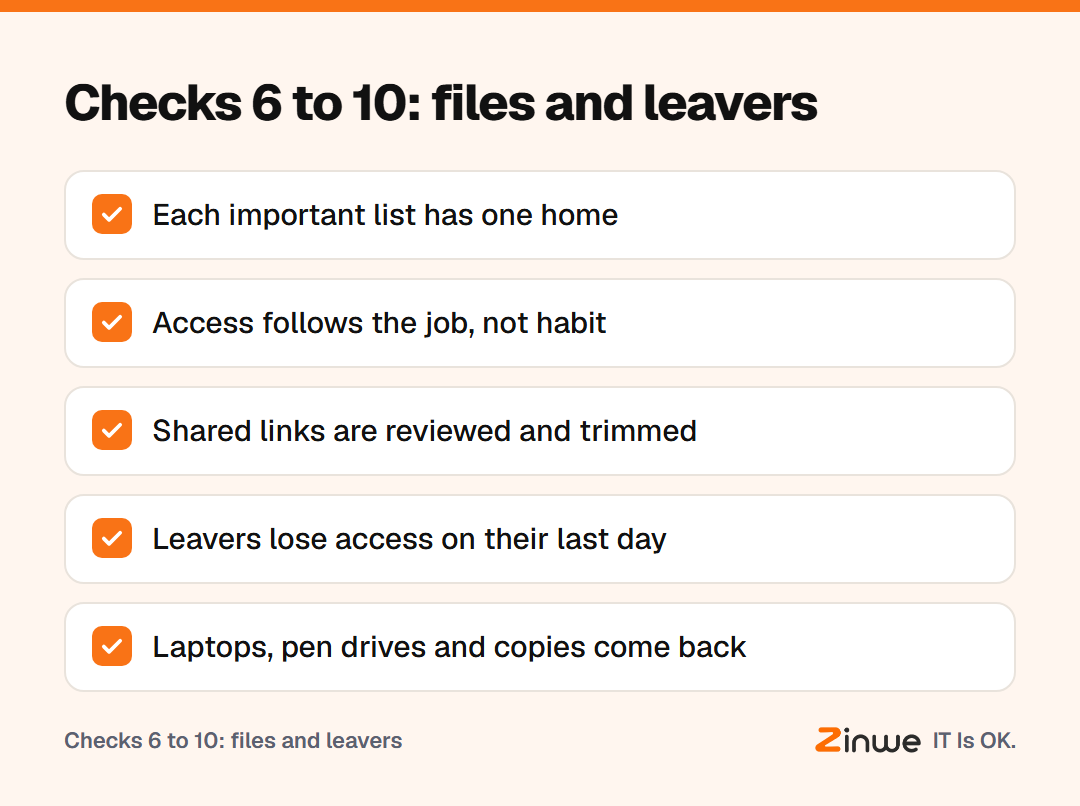
- 6. Each important list has one home. One folder, not copies on five desktops.
- 7. Access follows the job. Accounts sees billing, sales sees contacts.
- 8. Shared links get a review. Switch off "anyone with the link" where it isn't needed.
- 9. Leavers lose access on their last day. Close their logins and change any passwords they knew.
- 10. Company data comes back. Laptops, pen drives and copies in personal email.
How do you make the checklist stick?
Take a 15-person marketing agency in Austin. The office manager printed the list and put it by the coffee machine. On the first Monday of each month, she spends 20 minutes ticking boxes. Anything unticked becomes the one job for that month.
In the first month that was 2-step verification on everyone's email. In the second, it was cleaning up old shared links. Nothing heroic, but within a few months the list was mostly ticked.
The habit matters more than the list. One fix a month will protect company data better than a perfect plan that never starts.
In short
- Ten checks, four areas: people, PCs, files, leavers
- Tick it monthly and fix one thing at a time
- Start with own logins and 2-step verification
If check 5 is on your list this month, Zinwe can help on Windows PCs: set pen drives to read-only and get an alert when remote-access tools run. Start free for 3 PCs, or see how to stop data leaving on pen drives. For check 3, start with what business information to keep private.