Informative
How to protect customer information in a small office
Customer details hide in inboxes, spreadsheets, WhatsApp chats and pen drives. Five simple habits keep them safe, no IT team needed.
Zinwe team · · 3 min read
Ask a small team where the customer list is kept and you will hear four different answers. The sales sheet on Priya's laptop. The accounts folder on the office PC. Last month's export someone emailed to themselves. And a pen drive in a drawer that nobody owns.
Short answer: to protect customer information, you don't need an IT department. You need to know where it lives, limit who can open it, close the easy exits and notice when it leaves. Five habits cover most of it.
Where does customer information actually live?
Before you protect anything, list the places. In most small offices it is:
- Inboxes, including forwarded threads and old attachments
- Spreadsheets on one or two PCs
- WhatsApp chats and groups
- Cloud folders shared "with anyone who has the link"
- Pen drives and old PCs nobody wiped
Write them down. Ten minutes with a notepad is the most useful security work you will do this month.
Five habits that protect customer information
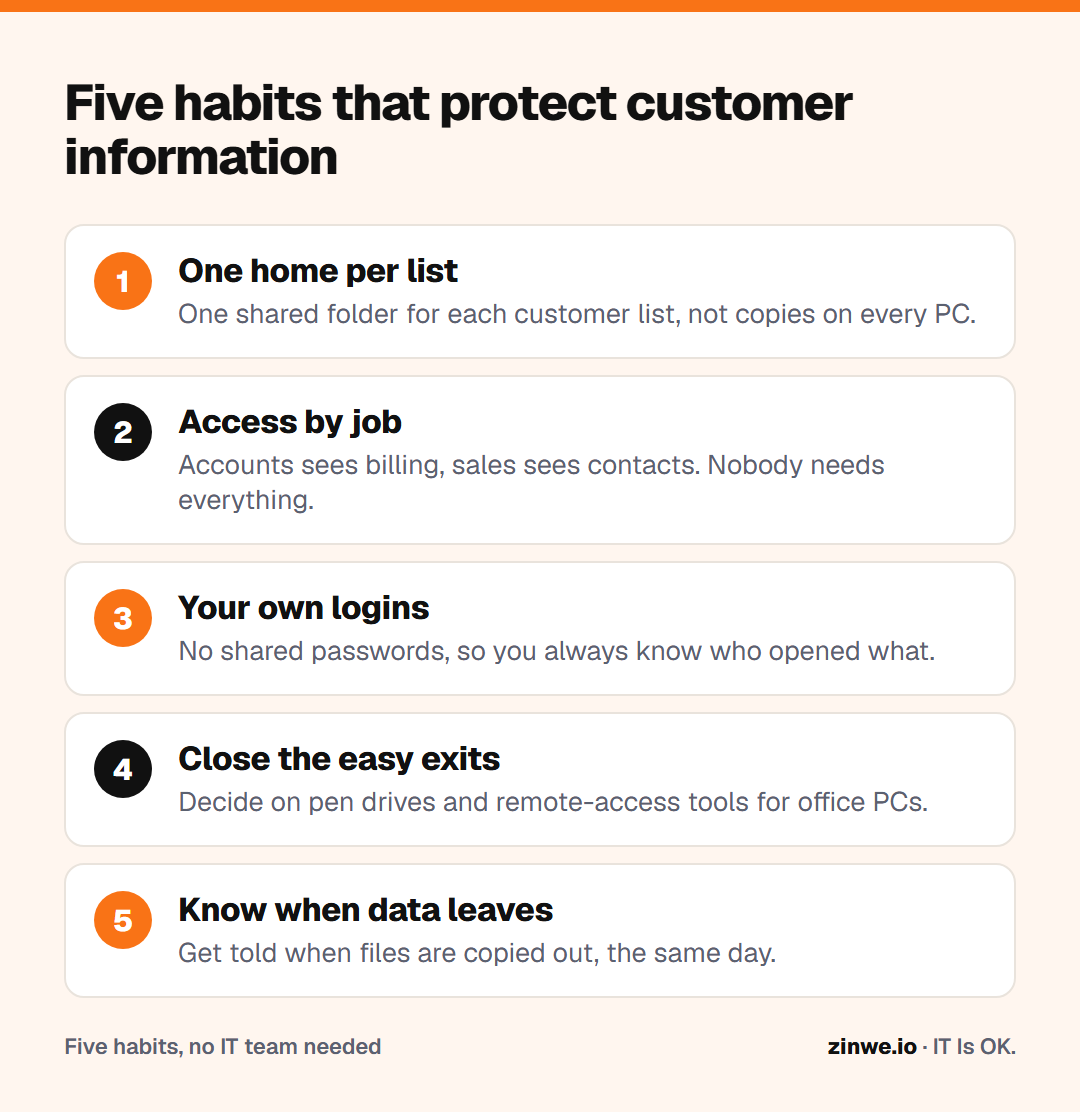
- Keep one home for each list. One shared folder, not five copies on five PCs.
- Give access by job, not by habit. Accounts sees billing details; sales sees contacts. Nobody needs everything.
- Use your own logins. A shared password means you can never tell who opened what.
- Close the easy exits. Decide whether pen drives are allowed, and whether remote-access tools like AnyDesk are allowed on office PCs.
- Know when data leaves. You can't fix what you never see.
What does this look like in a real office?
Take a 12-person travel agency. They moved the customer sheet to one shared folder that only the two sales leads can edit. They set office PCs so pen drives can be read but not written to. When a new joiner tries to copy files out, the owner hears about it the same day, and simply asks why. Usually there is a good reason. Sometimes there isn't, and that is exactly the conversation you want to have early.
In short
- List every place customer details live
- One home per list, access by job, your own logins
- Close the exits you don't need, and watch the ones you keep
Zinwe handles the last two habits for Windows PCs: it can set pen drives to read-only and sends a plain-English alert when files are copied out. Start free for 3 PCs, or see how to stop data leaving on pen drives.