Informative
How to share customer files without oversharing
Oversharing usually happens in the few seconds before you press send. Five quick checks keep customer files going only where they should.
Zinwe team · · 3 min read
A supplier asks for one buyer's order details. Someone on your team sends the full order sheet, because it was quicker than cutting it down. Now the supplier can see every buyer's name, quantity and price.
Nothing was hacked. A file simply went further than it needed to. That is what everyday oversharing looks like.
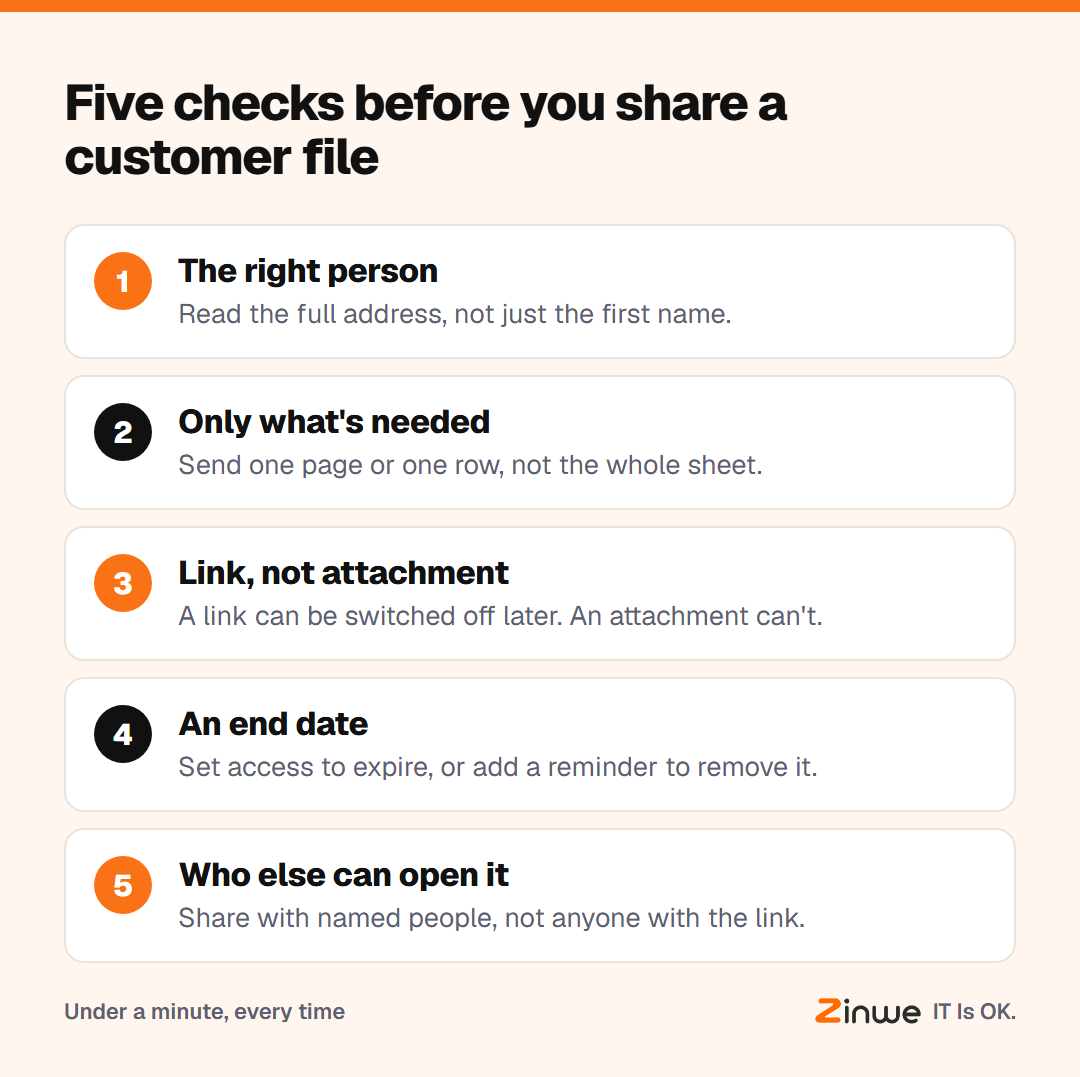
Short answer: to share files securely, run five checks before you press send. Is it the right person? Is it only what they need? Should it be a link or an attachment? When should access end? And who else could open it? It takes under a minute.
What should you check before you share files securely?
1. The right person
Read the full address, not just the name. Two contacts with the same first name is a common slip.
2. Only what's needed
Send the one page, the one row or the one invoice. If you have to delete columns first, do it on a copy.
3. Link or attachment
An attachment is a copy you can never take back. A link to a shared folder can be switched off later. For anything private, a link is usually the safer choice.
4. An end date
Many cloud drives let you set access to expire. If yours does, use it. If not, put a reminder in your calendar to remove access when the job ends.
5. Who else can open it
"Anyone with the link" means anyone the link is forwarded to. Share with named people instead, and check the setting before you copy the link.
What does this look like in a busy office?
Picture a 14-person export house in Tiruppur. Every day they send order files to suppliers, buyers and a freight agent. The owner set up one shared folder per buyer and asked the team to share links, not attachments.
Now the freight agent gets a link to one shipment's folder, view only, removed when the shipment lands. The full buyer sheet never leaves the office. The team says it is actually faster, because nobody trims spreadsheets at the last minute anymore.
How do you share documents with clients regularly?
Secure file sharing in a small business is mostly routine. For clients you work with every month, set up one shared folder each, with access for named people only. Review the list each quarter. When a client contact leaves their company, remove them the same day you hear.
In short
- Five checks: person, only what's needed, link or attachment, end date, who else
- Links can be switched off; attachments can't
- One folder per client, named people only
Zinwe can't choose the right recipient for you. It does send a plain-English alert when a large set of files leaves a Windows PC by email attachment or pen drive. Start free for 3 PCs, or see what goes wrong when too many people see customer data.