Informative
Why files end up with the wrong person, and how to stop it
Autocomplete, look-alike names, long threads and old groups send files to the wrong inbox. A 3-second pause before Send prevents many slips.
Zinwe team · · 3 min read
You type "Mike", your email app suggests an address, and you press Send. It was the right Mike last week. Today it was a different Mike, at a different company, and the attachment was someone else's statement.
Short answer: a misdirected email is rarely carelessness. It is usually a feature doing its job too well: autocomplete, look-alike names, long forwarded threads or an old group list. A 3-second pause before you press Send catches the common ones.
Why do files reach the wrong recipient?
Four patterns sit behind many slips:
- Autocomplete. Your email app suggests the address you used last, not the one you mean. An email autocomplete mistake takes one keystroke.
- Similar names. Two clients called Patel, or a client and a supplier with the same first name.
- Long forwarded threads. You forward a thread to a new contact, and twenty earlier messages go with it, including someone's bank details at the bottom.
- Old groups. A distribution list that still includes a former partner, a freelancer or an ex-employee.
The forwarded email thread risk is the easiest to miss, because the private part is out of sight, far below the newest message.
How do you prevent a misdirected email?
Build the pause into a habit, then add two small settings.
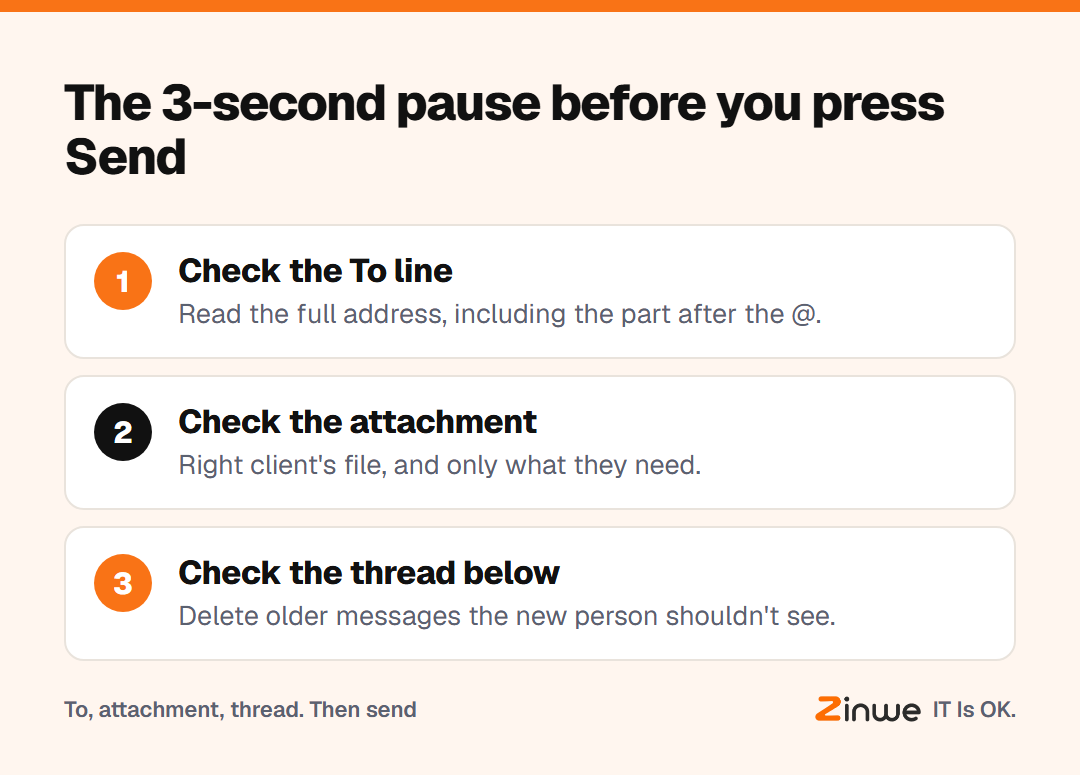
1. Check the To line
Read the full address, including the part after the @. Is it the right person at the right company?
2. Check the attachment
Open it, or at least read the file name. Is it the right client's file, and only what they need?
3. Check the thread below
Scroll down before forwarding. Delete earlier messages that the new person doesn't need to see.
Then turn on two settings. Gmail, Outlook and many other email apps can hold a message for a few seconds before it really goes (often called "undo send"), so you can still pull it back. And you can usually remove old addresses from the suggestion list, one at a time.
What does this look like in a small office?
Take a 9-person bookkeeping office in Chicago. They had two clients with the same surname and a forwarding habit that sent long threads to new contacts. The owner made one change: before any email with an attachment goes out, it gets the 3-second pause. She also cleaned up the office's old group lists in one afternoon.
The pause felt slow for a week. After that, nobody noticed it anymore.
In short
- Autocomplete, similar names, long threads and old groups cause many slips
- Pause for 3 seconds: To line, attachment, thread below
- Add a send delay and clean old addresses from suggestions
Zinwe can't check who an email is going to. It does send a plain-English alert when large attachments leave a Windows PC, so a big slip doesn't stay hidden. Start free for 3 PCs, or read how to share customer files without oversharing.