Informative
5 questions before your team tries a new online tool
Free online tools are useful. Five quick questions before the first upload keep your files from ending up somewhere nobody can find later.
Zinwe team · · 3 min read
A client contract needs to be a Word file by 5 pm. Someone searches "PDF to Word free", uploads it to the first site that appears, and gets the file back in seconds. Problem solved. Except the contract now sits on a stranger's server, and nobody knows for how long.
Short answer: new tools are fine, and banning them doesn't work. What works is a light new software approval habit: five questions before the first work file goes in. Who owns the data, where it goes, who can see it, how you'd leave, and who said yes.
What is shadow IT, and why does it happen?
Shadow IT is any app or website your team uses for work that the business never chose. It happens because people are trying to get the job done. A free converter, a new design app, a browser add-on that "just helps".
The risk isn't the tool itself. It is that nobody knows your files are there, so nobody can get them back or remove them.
The five questions for new software approval
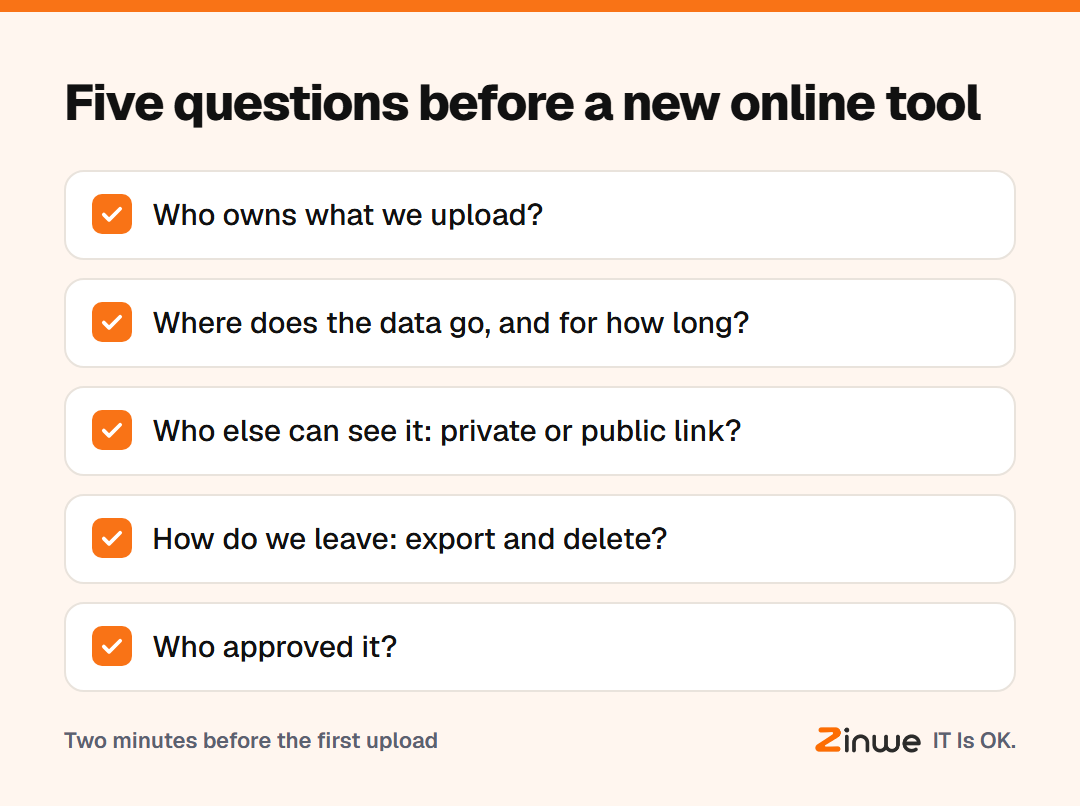
- Who owns what we upload? Check the tool's terms for what it may do with your files.
- Where does the data go? Is it saved on their servers, and for how long?
- Who else can see it? Are uploads private by default, or shared by a public link?
- How do we leave? Can you export your work and delete your account cleanly?
- Who approved it? One person, usually the owner, gives a quick yes or no.
How do you say yes without slowing everyone down?
Make the rule simple: "Try anything you like with dummy data. Ask before real client files go in." Keep a short list of approved tools in a shared note, so people can see what's already allowed.
Unapproved apps at work often appear because the approved way is slower. If people keep reaching for the same free tool, maybe it should become the approved one.
What does this look like in a small team?
Take a 6-person video production shop in Denver. An editor wants to try a free online transcription tool. She messages the owner with the five answers in two lines. The owner says yes for interviews that are already public, and no for unreleased client footage. The tool goes on the approved list with that note.
In short
- Free tools are fine; unknown uploads are the risk
- Ask five questions before real files go in
- Keep a short approved list so the safe way is also the easy way
Zinwe alerts you when new software is installed on a Windows PC and shows websites visited by name, so new tools don't stay invisible. Read how to see new software installed on office PCs, or start free for 3 PCs.