Informative
Data protection mistakes small businesses can avoid
Many small-business data problems come from a short list of ordinary mistakes. Eight of them, each with a fix you can start this week.
Zinwe team · · 3 min read
"We're too small for anyone to bother with." You hear it in a lot of small offices, and it's one of the riskiest beliefs a business can hold. Small offices hold customer lists, bank details and pricing just like big firms do. They just have fewer people watching.
Short answer: most data protection mistakes aren't technical. They're habits that made sense once and never got revisited. Fix the eight below and you avoid data leaks that start with ordinary shortcuts.
Which data protection mistakes are most common?
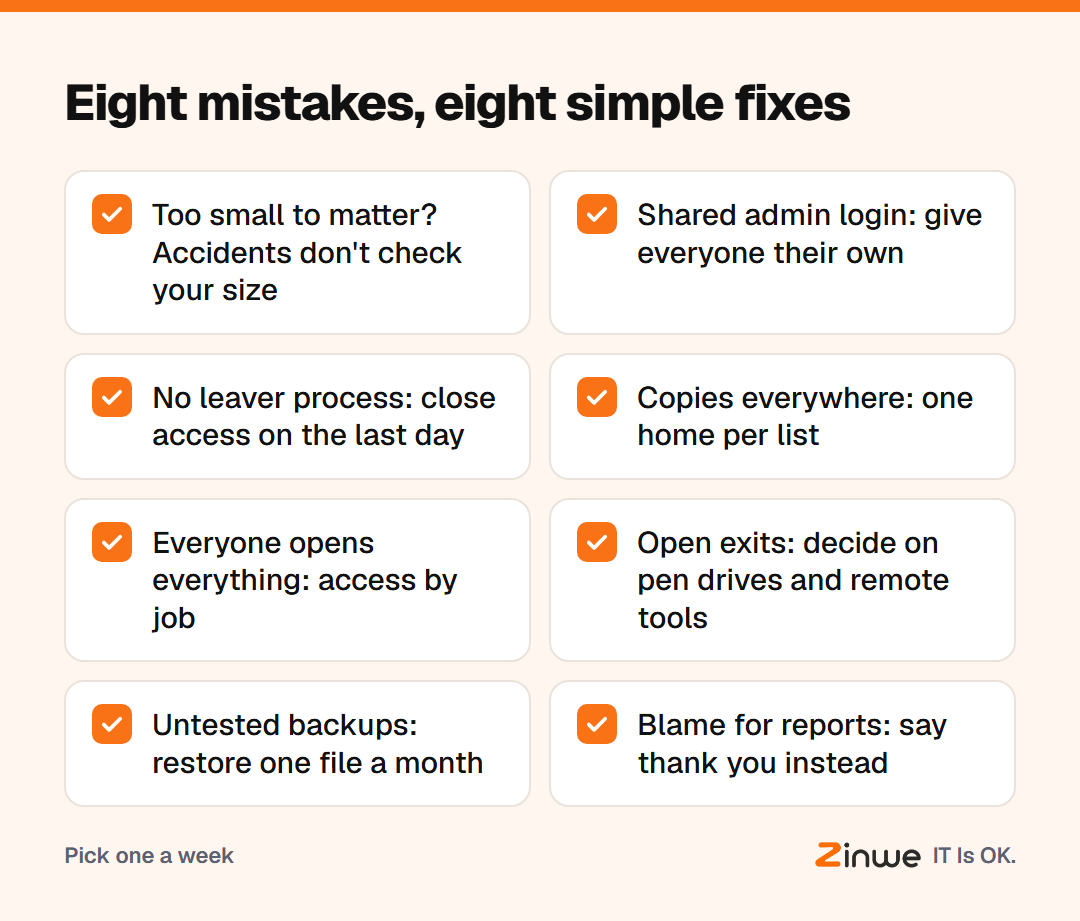
- Thinking you're too small. Many attacks are automated and don't check your size. Accidents don't either.
- One shared admin login. Everyone knows the main password, so you can't tell who did what, and you can't remove one person. Give each person their own login.
- No leaver process. People leave; their access doesn't. Close accounts and folders on the last day.
- Copies everywhere. The customer list lives in five inboxes and three desktops. Keep one home per list.
- Everyone can open everything. Access by habit, not by job. Trim each folder to the people who use it.
- Open exits nobody chose. Pen drives, personal email and remote-access tools all allowed by default. Decide which ones you actually need.
- Backups never tested. A backup you've never restored from is a guess. Restore one file a month.
- Blaming whoever reports a mistake. Do it once, and nobody reports again. Thank people instead.
Which mistake should you fix first?
Start with the one that's cheapest to fix in your office. For most teams that's the shared admin login or the leaver process: an afternoon each, and both close doors that stay open for years.
Then take one more each week. In two months, you'll have worked through the list without a single big project.
What does fixing them look like?
Take a 10-person insurance agency in Tampa. The owner reads the list at lunch and ticks four as "yes, that's us". She gives everyone their own login to the policy system that week. The next week she removes two former staff from the shared drive. Then she sets office PCs to block pen drives. Each change takes under an hour, and nobody's day is disrupted.
In short
- Most data protection mistakes are old habits, not missing technology
- Shared logins, missing leaver steps and copies everywhere are the big three
- Fix one a week, and thank people who speak up
Zinwe helps with mistake six on Windows PCs: pen drive rules, remote-tool blocking and plain-English alerts when files leave. Start free for 3 PCs, or dig into old employee accounts, backups and making reporting easy.