Informative
What to do when a work laptop or phone goes missing
A laptop left in a taxi is stressful, but the first hour is simple. Five steps in order, starting with signing the device out.
Zinwe team · · 3 min read

Your sales lead calls from the airport. Her bag is gone, and the work laptop was in it. Your first instinct might be to ask how it happened. That can wait. The next hour matters more than the story.
Short answer: a lost work laptop or a stolen work phone needs five steps, in this order. Sign it out of every account, change the important passwords, work out what was on it, write it all down, then replace it cleanly. You can do most of it from your desk.
Lost work laptop or phone: the five steps in order
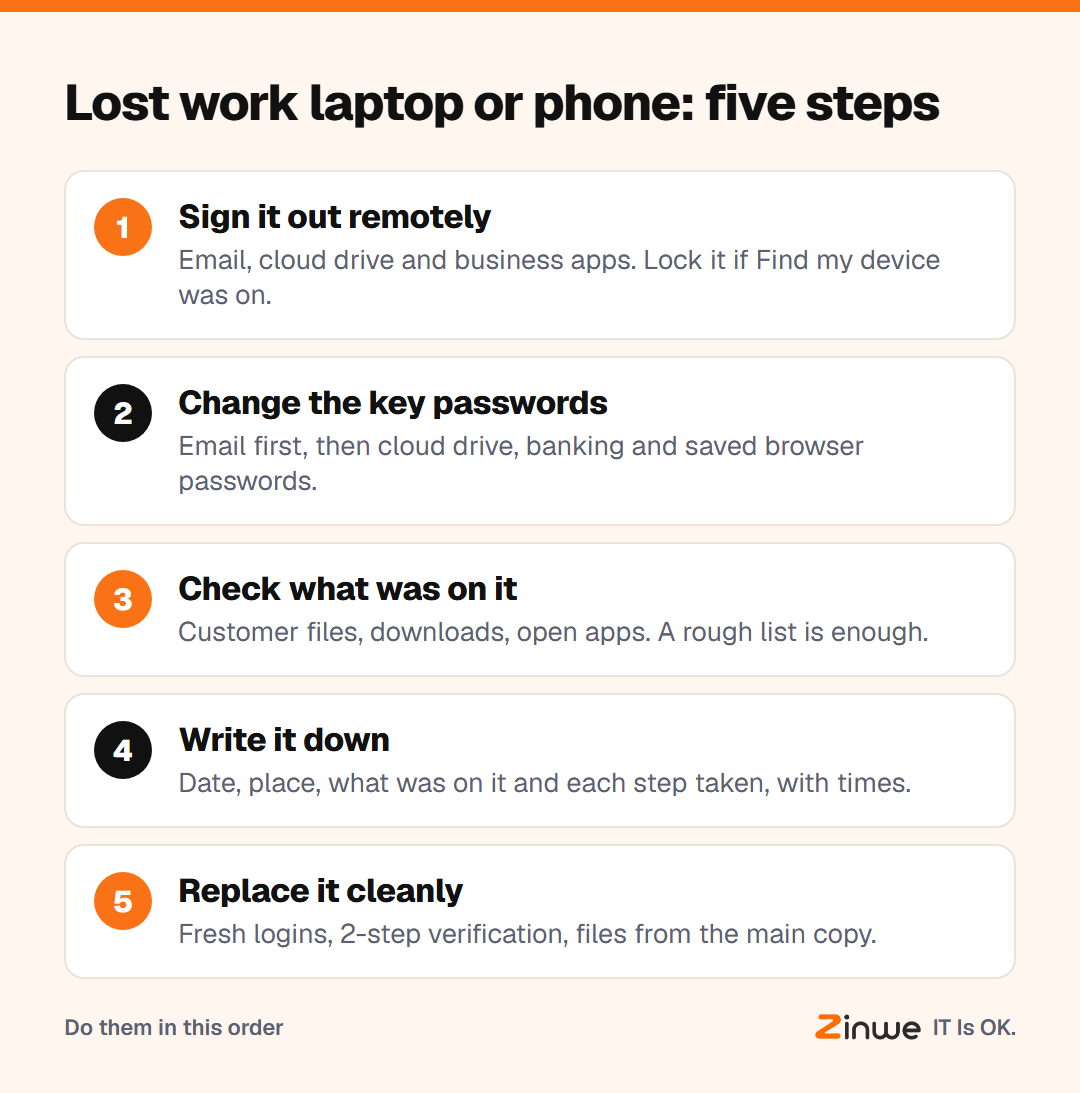
1. Sign it out remotely
Open the person's email account settings and sign out of all other devices, or remove the missing one. Do the same for the cloud drive and any business apps. If Find my device was turned on beforehand, Microsoft's guide to finding and locking a lost Windows device shows how to lock it.
2. Change the key passwords
Email first, because email can reset everything else. Then the cloud drive, banking logins and any passwords saved in the browser. Our post on business email security explains why the inbox comes first.
3. Check what was on it
Ask calmly: were customer files saved on the desktop or in downloads? Was the email app open? Was WhatsApp on the desktop? You need a rough list, not a perfect one.
4. Write it down
Note the date, the place, what was on the device and each step you took, with times. The note helps with any insurance claim, and with decisions over the next few days.
5. Replace it cleanly
Set up the new device with fresh logins and 2-step verification. Restore files from the main shared copy, not from a pen drive someone kept.
What changes if it's a phone?
The same steps apply, plus two more. Call the mobile operator to block the SIM, so login codes can't be received on it. Then call your bank if banking apps were on it, and set up WhatsApp on a replacement phone with the same number as soon as the new SIM arrives.
How do you keep it calm with the employee?
Take a 15-person logistics broker in New Jersey. A rep leaves her laptop in a rideshare. The owner does steps one and two while she is still on the phone, then asks gently what was on it. She is relieved, not defensive, so she remembers the customer export in her downloads folder. That detail only comes out because nobody shouted.
In short
- Sign out first, passwords second, questions third
- Write everything down as you go
- Rebuild from the main copy, never from a stray pen drive
Zinwe won't locate or wipe a lost device, and it doesn't cover phones. It helps before the next one goes missing: it tells you when files are copied from Windows PCs to pen drives, so fewer stray copies travel around. Start free for 3 PCs.