Informative
7 everyday office habits that leak business data
Many data leaks start with a shortcut, not a hacker. Seven everyday office habits and the easy swap for each one.
Zinwe team · · 3 min read
Nobody in your office wakes up planning to leak data. They want to finish a task, help a colleague or get home on time. The shortcut they take is perfectly reasonable in the moment.
Short answer: a lot of accidental data exposure comes from a handful of everyday shortcuts. You don't need to ban them all. Swap each one for an equally easy habit, and explain why. People follow a swap far more readily than a rule.
Which habits cause accidental data exposure?
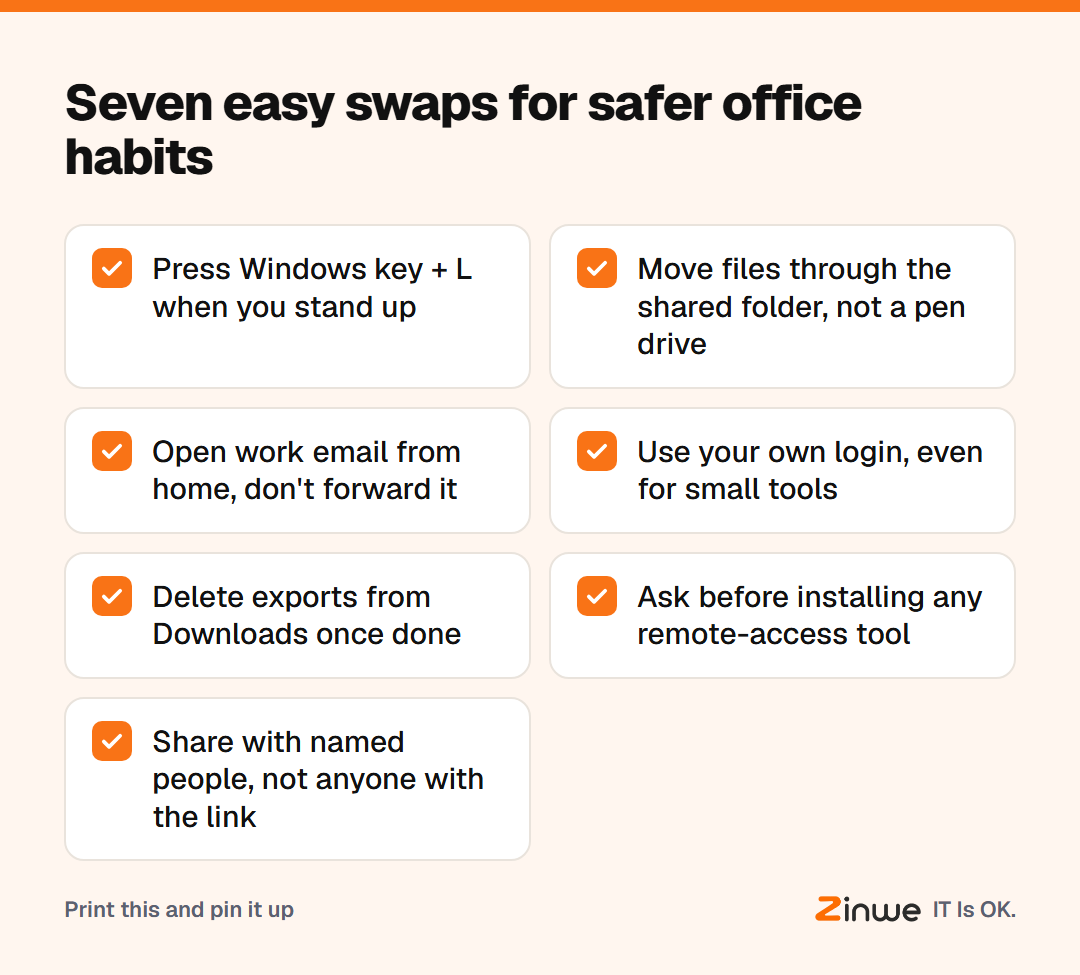
1. Walking away from an unlocked PC. Anyone passing can read the screen or open files. Swap: press Windows key + L every time you stand up.
2. Using a personal pen drive "just this once". It goes home, gets lost, or gets plugged into a family PC. Swap: move files through the office shared folder instead.
3. Forwarding work email to personal Gmail. It feels like working late. In practice, company data now sits in an account you can't see or close. Swap: sign in to work email from home instead.
4. Sharing one login. When five people use the same account, nobody can tell who did what. Swap: everyone gets their own login, even for small tools.
5. Leaving exports in Downloads. Old customer reports pile up on every PC. Swap: delete exports once the job is done.
6. Installing a remote-access tool to help. AnyDesk and similar tools let someone else control the PC from anywhere. Swap: ask the owner before installing one, every time.
7. Choosing "anyone with the link". It is the quickest share button, and the widest. Swap: share with named people.
Why do good employees make these data mistakes?
Because the risky way is usually the fastest way, and nobody has said otherwise. Employee data mistakes are rarely about bad intent. They are about missing defaults. If the shared folder is slow, people reach for pen drives. If the work inbox is hard to open at home, they forward to Gmail.
So fix the default as well as the habit. Make the safe way the easy way.
How do you get the team to change?
Take a 10-person marketing agency in Denver. The owner didn't send a policy. She shared the seven swaps at a Monday meeting, asked which one annoyed people most, and fixed that first. It was slow access to work email at home. Once that was solved, forwarding to personal accounts mostly stopped on its own.
One swap a week is plenty, and nobody feels lectured.
In short
- Many everyday risks are shortcuts, not attacks
- Give each habit an equally easy swap
- Fix the slow default that caused the shortcut
Zinwe can help with habits 2 and 6 on Windows PCs: you get a plain-English alert when a pen drive is used or a remote-access tool runs. Start free for 3 PCs, see how to block AnyDesk and remote-access tools, or work through the simple data protection checklist.