Informative
Personal devices at work and the risks they bring
Staff using their own laptops and phones saves money, but company files end up mixed with family photos. Three simple rules keep the line clear.
Zinwe team · · 3 min read
Your newest hire asks if she can use her own laptop, since it is faster than the spare one. Your sales lead already sends quotes from his phone. It feels practical and it costs nothing. Until someone leaves, and you realise your customer chats live on a phone you will never see again.
Short answer: BYOD security for small business is about drawing a clear line, not banning personal devices. BYOD means "bring your own device": staff using their own laptop or phone for work. Three rules cover most of it: work files live in company accounts, the device has a lock, and work data comes off when the person leaves.
What can go wrong with personal devices at work?
- Files land in personal places. Quotes saved to a personal Downloads folder or a personal cloud drive.
- Others share the device. A family laptop means family members can open work files.
- No lock. Some personal phones and laptops are opened with a swipe.
- Customer chats on a personal number. When the person leaves, the chat history leaves too.
- No way to tidy up. You can't wipe a device you don't own.
What are three simple BYOD security rules for a small business?
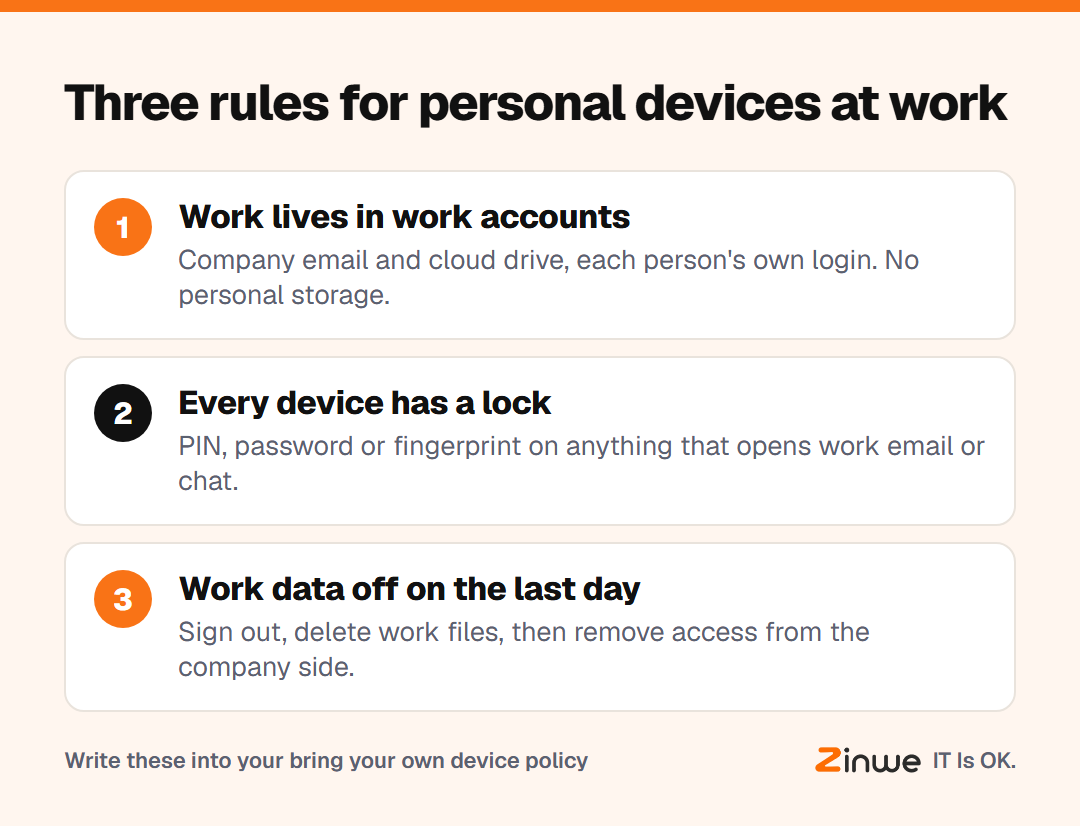
1. Work lives in work accounts
Use the company email and cloud drive, signed in with the person's own work login. No saving work files to personal storage.
2. Every device has a lock
A PIN, password or fingerprint on any phone or laptop that opens work email or chat.
3. Work data comes off on the last day
The person signs out of work accounts and deletes work files in front of you. You then remove their access from the company side.
That is a complete bring your own device policy for a team of ten. For the wider habit, see keeping work and personal data separate.
When should the business provide the device?
Take a 6-person travel agency in Kochi. Staff use their own phones for customer WhatsApp chats. The owner moves those chats to a business number on a shared office phone, so history stays with the business. Laptops are a different call. Anyone handling customer files gets an office laptop, because a personal laptop for work is hard to keep on office rules.
In short
- Personal devices are fine if work data stays in work accounts
- Every device that opens work email or chat needs a lock
- On the last day, work data comes off and access is removed
Zinwe runs only on Windows PCs, not phones, so it can't see a personal phone. On office laptops it alerts you when files go to a pen drive or new software appears. Start free for 3 PCs.