Informative
How to lower the risk of a customer data leak
You can't make a leak impossible, but you can make it unlikely and small. Four layers, one action each, no IT team needed.
Zinwe team · · 3 min read
Many small offices try to prevent a customer data leak with one big fix: a new tool, a strict rule, a stern email to the team. Then life gets busy, the rule slips, and nothing has really changed.
Short answer: think in layers, not walls. Keep fewer copies, let fewer people in, close the exits you don't use, and notice quickly when data moves. Each layer needs one small action, and together they shrink both the chance of a leak and the size of one.
Why do layers work better than one big fix?
Because no single habit holds every time. Someone will forget, rush or click the wrong thing. If one layer fails, the next one limits the damage.
A leak needs three things: a copy of the data, a person who can reach it, and a way out. Remove any one and the leak gets smaller. Spot it early and you can fix it while it is still a small problem.
How do you prevent a customer data leak, layer by layer?
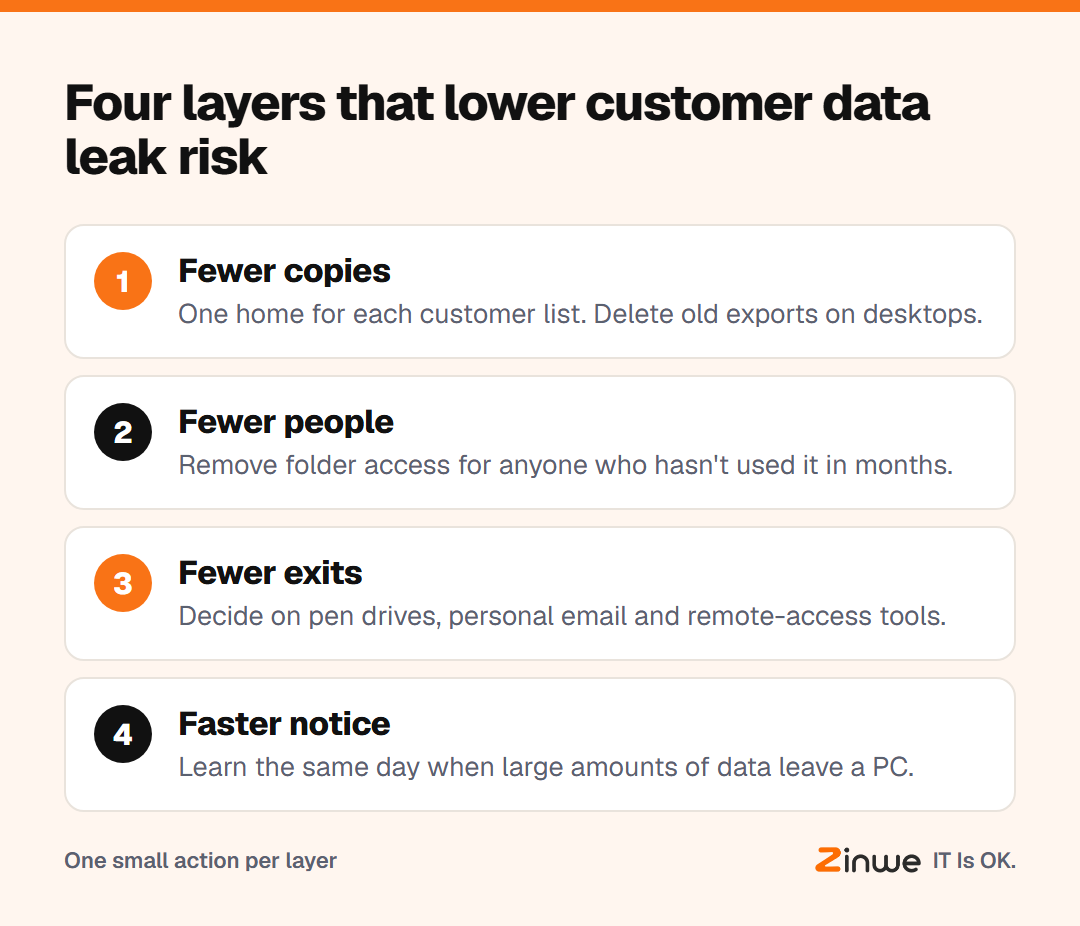
Layer 1: fewer copies
Every extra copy of a customer list is another place it can escape from. Action: pick one home for each list and delete the old exports sitting on desktops and in Downloads folders.
Layer 2: fewer people
Not everyone needs every record. Action: open your main customer folder and remove anyone who hasn't used it in months.
Layer 3: fewer exits
Pen drives, personal email and remote-access tools like AnyDesk are the usual doors out. Action: decide which of these your office actually needs, and switch off the rest.
Layer 4: faster notice
A leak you hear about the same day is a conversation. One you find months later is a crisis. Action: set up some way to learn when large amounts of data leave a PC.
What does this look like in practice?
Picture a 9-person tax practice in Kolkata. Client records lived in three places: the shared folder, a partner's laptop and an old pen drive. They kept the shared folder and deleted the rest. They trimmed folder access to the four people who prepare returns. They set office PCs to read-only for pen drives. Now, if someone copies a large batch of files out, a partner hears about it that afternoon and simply asks.
None of this took more than an hour. It just took deciding.
In short
- Leaks need a copy, a person and an exit: shrink all three
- One action per layer beats one big fix that slips
- Faster notice turns a crisis into a quick conversation
Zinwe covers the last two layers on Windows PCs: pen drive rules, remote-tool blocking and plain-English alerts when large transfers leave by USB, network share or email attachment. Start free for 3 PCs, or start with where customer information lives and the three exits to close first.