Informative
Where to start with data protection in a small business
You can't fix everything this month, and you don't need to. Start with three easy exits: pen drives, remote-access tools and a shared email login.
Zinwe team · · 3 min read
You've read the checklists. Passwords, backups, sharing settings, leavers, phishing, phones. Each one makes sense, and together they feel like a second job. So nothing happens, and the list waits for a quieter month that never comes.
Short answer: small business data protection starts with the easiest ways for data to walk out of the door, not with everything at once. Close three exits first: pen drives, remote-access tools and a shared email login. Each takes an afternoon. Then move on to the rest, one item at a time.
Why not do everything at once?
Because a long list feels like failure on day one. Small, visible wins build the habit, and the habit is what protects company data over time. Pick the doors that are easiest to walk through, close them, and the bigger plan gets less daunting.
Which three exits should small business data protection close first?
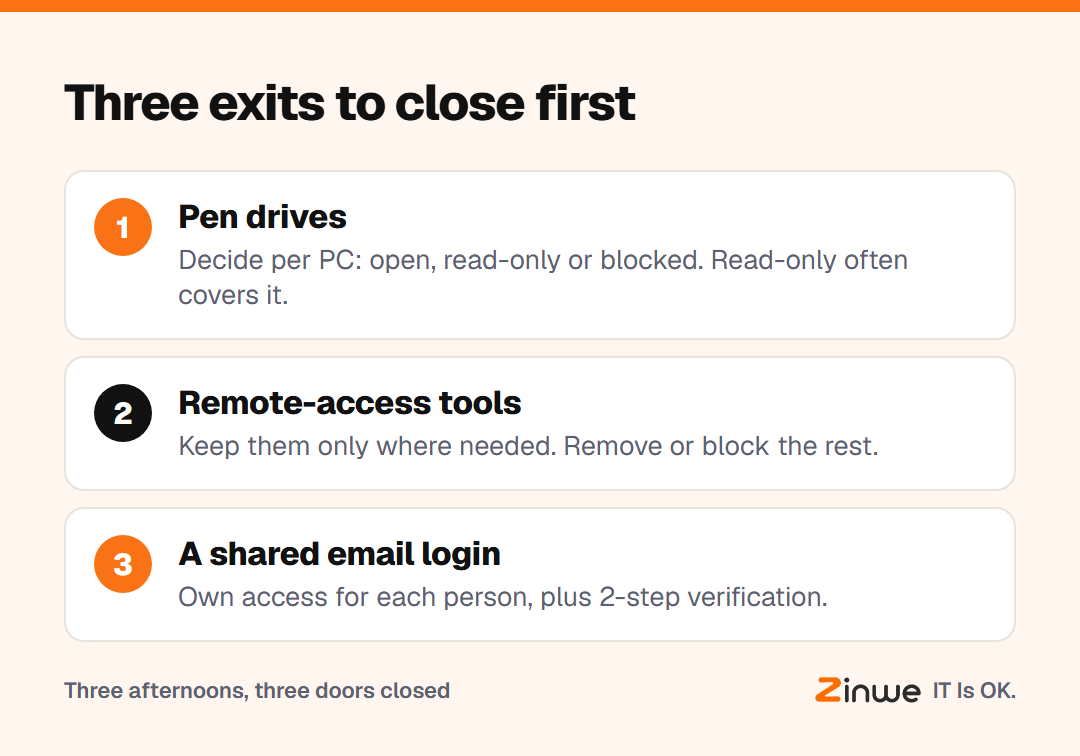
1. Pen drives
A pen drive can carry a whole customer list out in a pocket. Decide what each PC allows: open, read-only (files can be opened from the drive but not copied onto it) or blocked. For many offices, read-only covers everyday needs.
2. Remote-access tools
Tools like AnyDesk and TeamViewer let someone control a PC from anywhere. They're useful for support, and also a quiet way in. List which PCs genuinely need one, and remove or block the rest.
3. A shared email login
If several people use one inbox password, you can't tell who did what, and you can't lock out one person when they leave. Give each person their own access where you can, and turn on 2-step verification: a code on your phone as well as your password.
What does this look like in practice?
Take a 25-person staffing agency in Atlanta. Candidate files, client rates and payroll sheets sit across a dozen PCs. The owner gave herself three weeks. Week one, pen drives went to read-only on every PC. Week two, remote-access tools came off the PCs that didn't need them. Week three, the shared recruiting inbox moved to individual logins with 2-step verification.
Three weeks, no new staff, and the three easiest exits were closed. The longer list now feels manageable.
In short
- Don't start with everything; start with the easiest exits
- Close pen drives, remote-access tools and shared email logins first
- One exit per week is a good pace
Zinwe covers the first two exits on Windows PCs: set USB to read-only or block, and get an alert or block when remote-access tools run. See how to stop data leaving on pen drives, how to block AnyDesk and remote-access tools and why your business email is the key to everything, or start free for 3 PCs.