Informative
How to spot a fake message asking for payment details
Fake invoices and payment requests can look very convincing. Six warning signs, and one call-back rule that stops them before any money moves.
Zinwe team · · 3 min read
Imagine an email that looks exactly like your regular supplier's. Same logo, same signature, a polite note: "We've changed banks, please use the new account for this invoice." Your accounts person pays it. The real supplier calls a week later asking where their money is.
Short answer: a fake payment request usually pushes you to act fast, through a new channel, to a new account. Learn the six signs below, and follow one rule: never pay or share details based on a message alone. Call back on a number you already had.
What are the warning signs of a fake payment request?
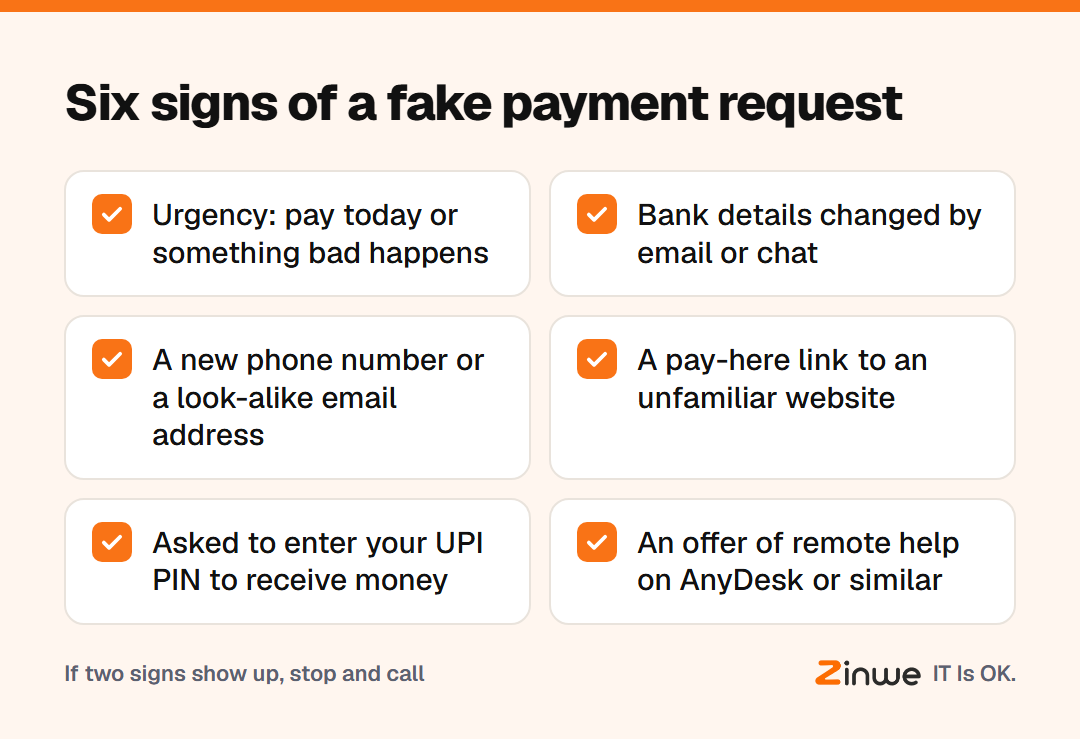
- Urgency. "Pay today or the shipment stops." Pressure is the scammer's main tool.
- Changed bank details. A new account number, sent by email or chat, is the classic sign of invoice fraud.
- A new number or address. The boss "on a new WhatsApp number", or an email address one letter off.
- An odd link. "Pay here" links that lead to unfamiliar websites asking for card or bank details.
- A request to receive money. In a UPI payment scam, you're asked to enter your PIN to "receive" funds. You never need your PIN to receive money.
- An offer of remote help. "Install AnyDesk and I'll fix your refund." A remote-access tool lets a stranger see and control your PC while you open your banking.
What is the call-back rule?
Before any new payment, or any change to bank details, the person paying calls the requester on a number already saved, not one from the message. One call, one minute. If it's genuine, they'll confirm happily. If it's fake, the scam ends there.
Write the rule down and tell everyone who handles money: nobody gets in trouble for checking, ever.
What does this look like in a busy office?
Picture a 25-person garment exporter in Noida. Their accounts assistant receives an email from a fabric supplier with new bank details and an urgent tone. She calls the supplier's sales contact on the number in her phone. The supplier has changed nothing. The owner thanks her in front of the team. When the next suspicious email arrives, it goes to the owner before anyone pays.
In short
- Urgency, new account details and new numbers are the big three signs
- Never enter a UPI PIN to receive money, and never let a stranger install remote tools
- Call back on a number you already have, before every new payment
Zinwe doesn't scan emails or spot phishing messages. It does alert you when AnyDesk, TeamViewer or similar tools start on a Windows PC, and can block them. See how to block remote-access tools, or start free for 3 PCs.