Informative
How to write a simple device policy for your team
A device policy doesn't need twelve pages. Eight plain rules on one page, introduced as a team habit rather than a warning, work far better.
Zinwe team · · 3 min read
Somewhere in a shared folder there is probably a policy document. It is long, it was copied from somewhere, and nobody on your team has read past the first page. That is not a policy. It is a file.
Short answer: a useful device protection policy fits on one page. It lists eight plain rules about office PCs and laptops, says who to ask when unsure, and is introduced as "how we work here", not as a list of punishments.
What should a device protection policy include?
Start with one line on why: "These rules keep our customers' files and our work safe." Then the rules.
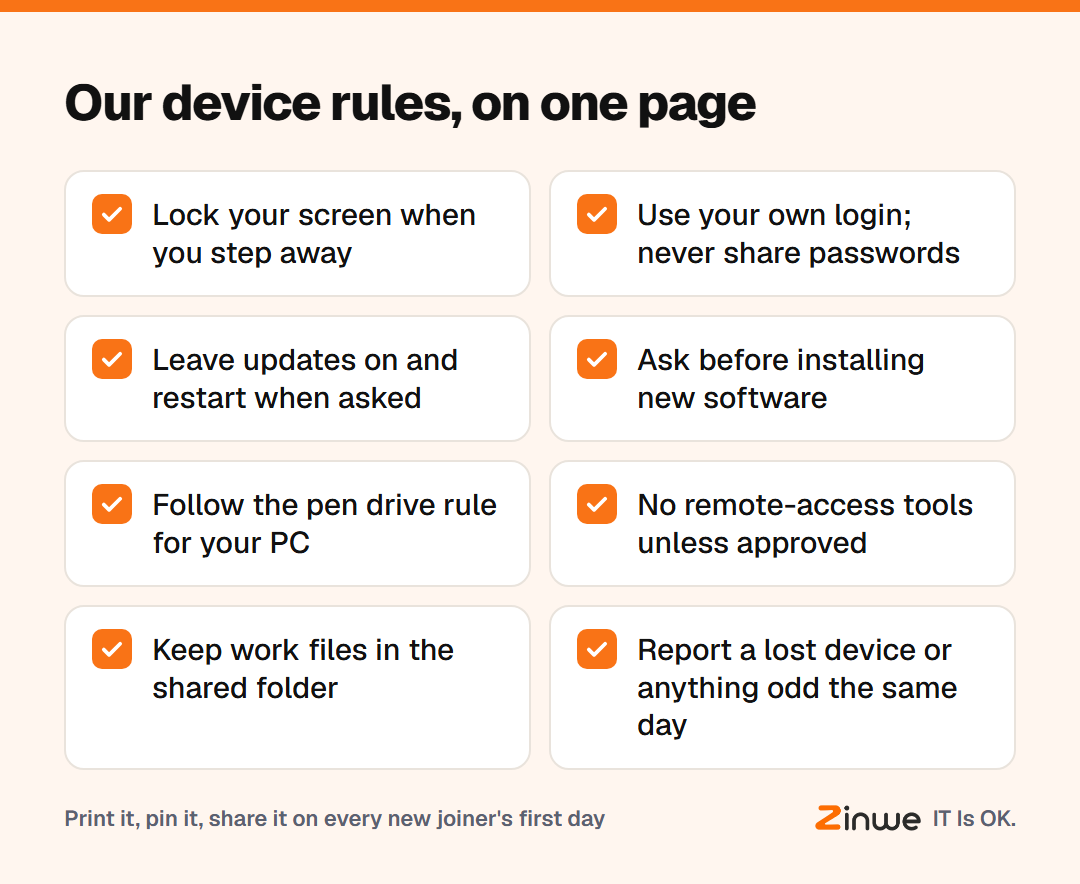
- Lock your screen when you step away, and let it lock itself after five minutes.
- Use your own login. No sharing passwords or PINs.
- Leave updates on. Restart when Windows asks, by the end of the day.
- Ask before installing software. One person approves new apps.
- Follow the pen drive rule for your PC: allowed, read-only or blocked.
- No remote-access tools like AnyDesk unless the owner approved them for a set reason.
- Keep work files in the shared folder, not on the desktop or a personal drive.
- Report a lost device or anything odd the same day, without fear of blame.
End with a name: "Not sure? Ask Ritu."
How do you write employee device rules people follow?
- Use "we", not "employees must". The owner follows the same rules.
- One line per rule. If it needs a paragraph, it is two rules.
- Explain one reason. "Pen drives are read-only because client files can walk out that way" lands better than a bare ban.
- Skip what you won't check. A rule nobody follows teaches people to ignore the others.
If you also want rules about customer files, keep them in a separate page, like our customer data handling policy outline.
How do you introduce a company device policy kindly?
Picture a 12-person engineering consultancy in Portland. The owner shares the page in a team meeting and reads the eight rules aloud in five minutes. She asks, "Which of these would get in your way?" Two people say the five-minute lock is too short while rendering. They agree on ten minutes for those two PCs. Nobody signs anything. Everyone simply knows the rules and helped shape them.
For the checks behind each rule, see seven device security checks.
In short
- One page, eight rules, one name to ask
- Write it as "how we work", and follow it yourself
- Introduce it in a meeting and adjust what genuinely gets in the way
Zinwe can back up two of these rules on Windows PCs: it can set pen drives to allow, read-only or block, and alert you when remote-access tools run. Start free for 3 PCs.