Informative
7 device security checks to do this month
Seven checks, one PC at a time, about fifteen minutes each. Do them this month and you will know exactly where every office computer stands.
Zinwe team · · 3 min read
Sit down at one office PC with a cup of chai and a notepad. In about fifteen minutes you can know more about its safety than many owners ever do. Then move to the next desk.
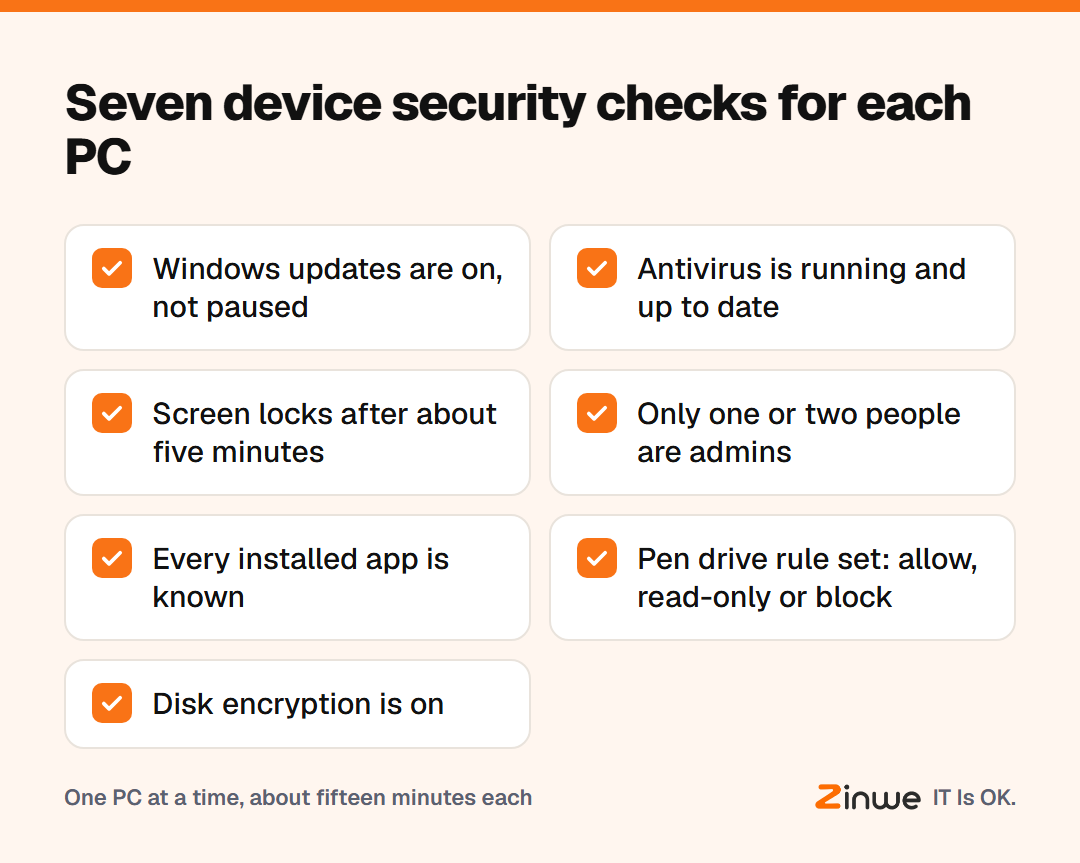
Short answer: this device security checklist for business covers seven things per PC: updates, antivirus, screen lock, who is an admin, what's installed, the pen drive rule and disk encryption. Write the answer for each, fix what you can on the spot, and note the rest.
What is on the device security checklist for business?
1. Updates are on
Open Windows Update in Settings. If updates are paused, resume them and let the PC restart tonight.
2. Antivirus is running
Open the Windows Security app and check that virus protection is on. If another antivirus is installed, make sure it is active and up to date.
3. The screen locks itself
Set the screen to lock after about five minutes of no use, with a password or PIN to open it.
4. You know who is an admin
An admin can install software and change settings. In Settings, under Accounts, check each account's type. Daily logins should be standard users.
5. Every installed app is known
Open the installed apps list. Anything you don't recognise, ask who added it. Remove remote-access tools nobody uses.
6. There is a pen drive rule
Decide if this PC allows pen drives, allows them read-only or blocks them. Write it down so the rule is the same for everyone.
7. The disk is encrypted
Encryption scrambles the files so a stolen laptop is unreadable without the sign-in. On many Windows PCs it is under Settings, Privacy and security, Device encryption. Microsoft explains how device encryption works and where to find it.
How do these PC security checks work in a real office?
Take a 7-person architecture practice in Denver. The office manager does two PCs a day across one week. She finds updates paused on one, two people with admin rights who don't need them, and an old screen-sharing tool. By Friday, all seven PCs are on the same rules. She puts a reminder in the calendar to repeat the business computer security checks next month, which take less time the second round.
For the wider monthly routine beyond devices, see the monthly data safety checklist.
In short
- Seven checks per PC: updates, antivirus, lock, admins, apps, pen drives, encryption
- Fix what you can on the spot; note the rest
- Repeat monthly; it gets faster
Zinwe isn't antivirus and won't encrypt disks, but it covers checks five and six on Windows PCs: alerts for new software and a USB setting of allow, read-only or block. See how to stop data leaving on pen drives, or start free for 3 PCs.