Informative
A monthly data safety checklist that takes 20 minutes
A one-off clean-up fades in weeks. Five checks on the first Monday of every month keep it fresh, in about 20 minutes.
Zinwe team · · 3 min read
A big clean-up feels great. You close old accounts, fix shared links and remove stray software. Three months later, a new freelancer has joined, two people have left and someone has installed a "free" PDF tool. You are back where you started.
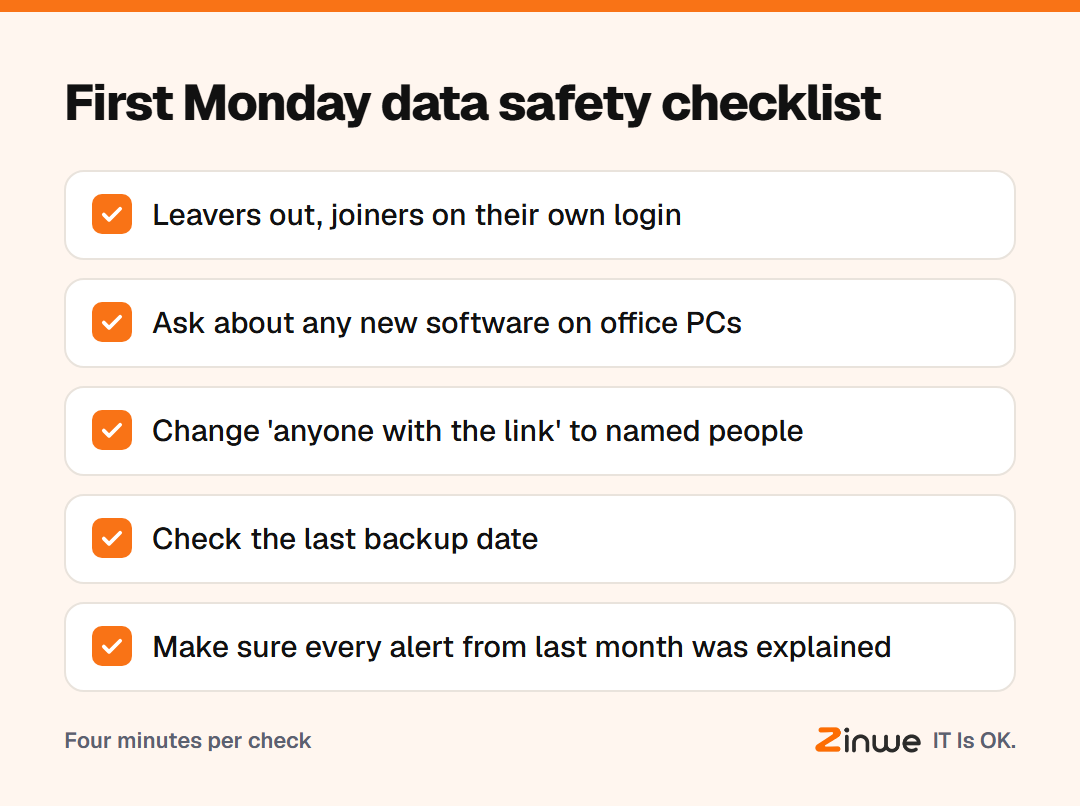
Short answer: a monthly security checklist keeps the clean-up from fading. Put 20 minutes in your calendar for the first Monday of each month and run five checks: leavers and joiners, new software, shared links, backups and last month's alerts. Same five, every month, so it becomes routine.
What goes on a monthly security checklist?
1. Leavers and joiners (4 minutes)
Compare your staff list with your email and cloud drive accounts. Anyone who left last month loses access today. Anyone new should have their own login, not a borrowed one.
2. New software (4 minutes)
Look at what was installed on office PCs last month. Ask about anything you don't recognise, especially remote-access tools (apps that let someone control a PC from elsewhere).
3. Shared links (4 minutes)
Open your main shared folders and look for "anyone with the link". Change any you find to named people.
4. Backups (4 minutes)
Check the last backup date, and once a quarter restore one file to prove it works.
5. Last month's alerts (4 minutes)
Skim any security alerts or odd emails from the past month. Was each one explained? Anything left open goes to the top of next month's list.
How is this different from a one-off checkup?
A one-off 15-minute data protection checkup tells you where you stand today. This monthly data review keeps you there. The first is a photo; this one is a habit. Keep the list short on purpose: if it grows past 20 minutes, it will quietly stop happening.
What does the routine look like in practice?
Take a 16-person BPO shop in Coimbatore. The office manager runs the checklist with a cup of chai at 10 a.m. on the first Monday. In October she finds one ex-agent's email still active, one unknown screen recorder installed on a PC and nothing else.
Two fixes, done before 10:30. Most months look like that. The value of recurring security tasks is that small surprises stay small.
In short
- First Monday of each month, 20 minutes, five checks
- Leavers, new software, shared links, backups, alerts
- Keep the list short so the data safety routine survives busy months
Zinwe doesn't do backups, but on Windows PCs it helps with checks two and five: it sends an alert when new software appears, and your alerts sit together in one dashboard. See how to see new software installed on office PCs, or start free for 3 PCs.