Informative
Endpoint security checklist before adding a new hire
The laptop arrives Friday, the new hire starts Monday. Eight checks, done in under an hour, make sure their PC starts safe instead of being fixed later.
Zinwe team · · 3 min read
The new hire starts Monday. The laptop arrives Friday evening, or worse, it's the one the last person left behind. Whatever state it is in on day one tends to be the state it stays in for years.
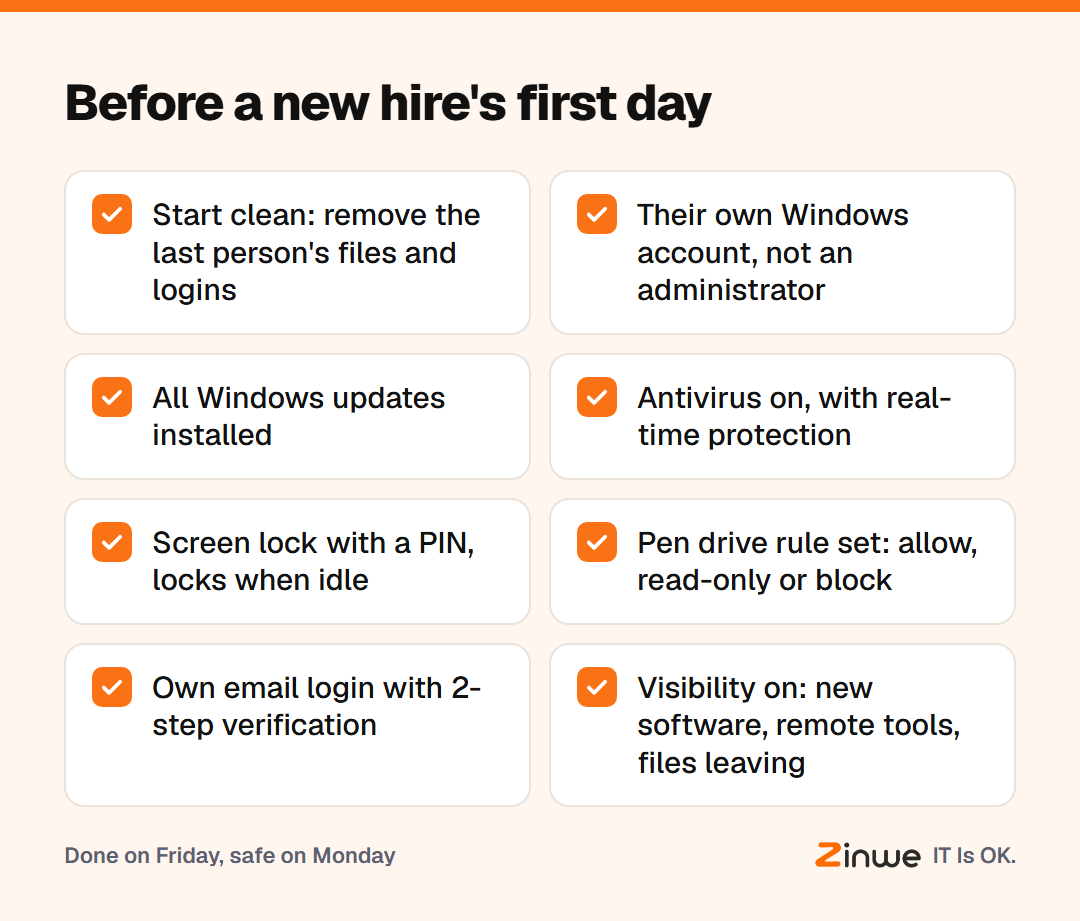
Short answer: set the PC up before the person sits down. A short business endpoint security checklist covers it: a clean machine, their own Windows account, updates, antivirus, a screen lock, a pen drive rule, their own email login and visibility. It takes under an hour and saves months of fixing later.
What goes on the business endpoint security checklist?
Work through these on the Friday, not the Monday.
- Start clean. If the PC was someone else's, remove their files, saved logins and email. Reset it if you can.
- Create their own Windows account. Make it a standard account, not an administrator (an account that can install anything). Keep the admin login with you.
- Install Windows updates and restart until none are left.
- Check antivirus is on. Open Windows Security and confirm real-time protection is switched on.
- Set a screen lock. A PIN or password, and the screen locks itself after a few idle minutes.
- Decide the pen drive rule. Allow, read-only or block, based on their role.
- Set up their own email login with 2-step verification: a code on their phone as well as the password.
- Turn on visibility. Make sure you'll hear about new software, remote-access tools and files leaving the PC.
Why do it before day one?
Because new employee IT setup done in a rush gets skipped. Day one is introductions and a pile of logins. Nobody remembers the screen lock. A week later, the habit is set.
A PC that arrives ready, with clear rules, also tells a new person you take your business, and theirs, seriously.
How do you explain it to the new hire?
In two minutes, on their first morning. Show them the screen lock, explain the pen drive rule and why it exists, and tell them what the business can see on the PC. No surprises later means no awkward chats later.
Take an 8-person architecture firm in Boston. The new drafter was getting a PC that had belonged to a designer who'd left. The office manager ran this checklist on Friday and found the old designer's personal cloud drive still signed in and syncing project files. She signed it out before anyone else could open it.
In short
- Set the PC up before the person arrives
- Own account, updates, antivirus, screen lock, pen drive rule
- Tell the new hire what's in place on day one
Zinwe won't install updates or antivirus, but it covers the visibility step: pen drives, remote tools and new software. Each new hire sees a notice on their PC to accept or decline. See how to add your team to Zinwe, or read how to help a new hire handle data safely.