Informative
How to help a new hire handle business data safely
A new hire's first day sets their habits for years. Give them their own login, show where files live and tell them who to ask.
Zinwe team · · 3 min read
On day one, a new hire is told where the tea is, where the toilets are and which chair is theirs. Rarely are they told where the customer files live, or what they should never forward. So they copy whoever sits next to them, good habits and bad.
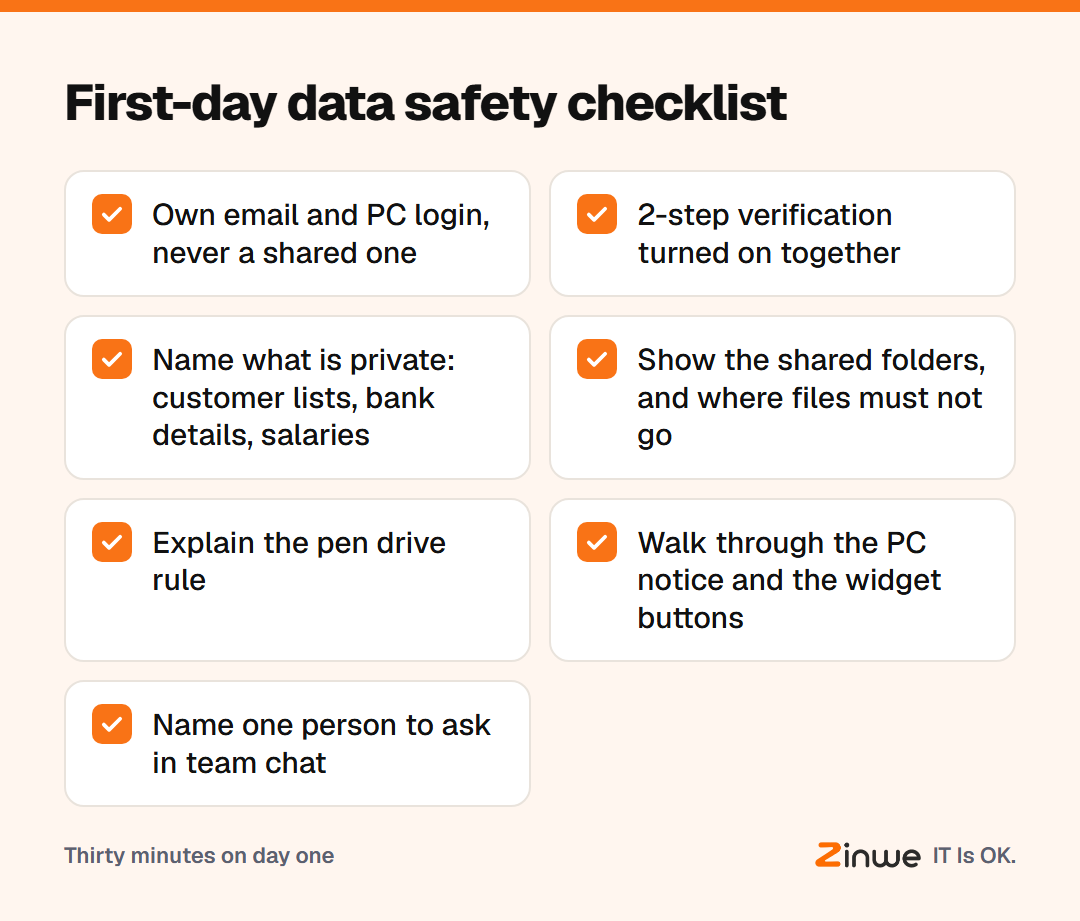
Short answer: new employee onboarding security is a 30-minute first-day routine. Give the new person their own login, tell them what is private, show them where files live, explain how their work day is recorded and name one person to ask.
What should new employee onboarding security cover?
1. Their own login
A personal email and PC account, never a shared one. Turn on 2-step verification together: a code on their phone as well as the password.
2. What is private
Name the sensitive things plainly: customer lists, bank details, salaries, ID copies. What business information to keep private gives a simple three-level sort.
3. Where files live
Show the shared folders they will use and where files should not go: personal email, personal phones, pen drives.
4. How the work day works
If you use Zinwe, the new hire sees a notice on their own PC explaining what it records, and agrees or declines. Once accepted, it notes which apps are used and website names only, and alerts on pen drives. It never reads messages, records screens or logs keystrokes. If they decline, nothing is collected from that PC.
Either way, they can use team chat and the widget buttons: Log in, Take a break (with a reason), I'm back and Log out.
5. Who to ask
Name one person and say: "Any question about data, ask them in team chat. No question is silly."
What does a good first day look like?
Picture a 10-person design studio in Kochi welcoming a new designer on a Monday. Before lunch, the office manager sets up his own login, turns on 2-step verification with him and opens the Projects folder together.
She explains the pen drive rule: read-only, so he can open files but not copy them out. He reads and accepts the notice on his PC, then presses Log in on the widget. His first team chat message is a question about which client folder to use. That question is the routine working.
Is one talk enough for employee data training?
No, but it is the right start. Repeat the key points at the end of week one, and keep this onboarding checklist for the next joiner. When someone leaves, run the reverse: our post on removing file access when someone leaves covers the last day.
In short
- Own login and 2-step verification before the first customer file
- Name what is private and show where files belong
- Explain how the work day is recorded, openly, and name one person to ask
Setting up a new joiner in Zinwe takes a few minutes: see how to add your team, or start free for 3 PCs.