Informative
How to remove file access when someone leaves
Last days are busy, kind and rushed. Five file steps, in order, so a friendly goodbye doesn't leave the shared folders open behind them.
Zinwe team · · 3 min read
Last days are usually friendly. There's cake, a group photo, a farewell message in the team group. What there usually isn't is anyone checking which folders the leaver can still open from home that evening.
Short answer: to remove employee access to files cleanly, do it on the last day, in this order: list what they could open, hand over ownership of their files, revoke access to shared and cloud folders, collect pen drives, then get the PC back. It takes under an hour, and it's far easier on the day than months later.
This article covers files only. Email, finance and other accounts need their own list.
What should you do before the last day?
Make a short list of every place the person's files live: shared office folders, cloud folders they own or were added to, and anything on their own PC. If you keep a record of access you've granted, start from that.
Ask them to move their working files into the shared team folder. Files left on a personal desktop are the ones that disappear or walk out.
How do you remove employee access on the last day?
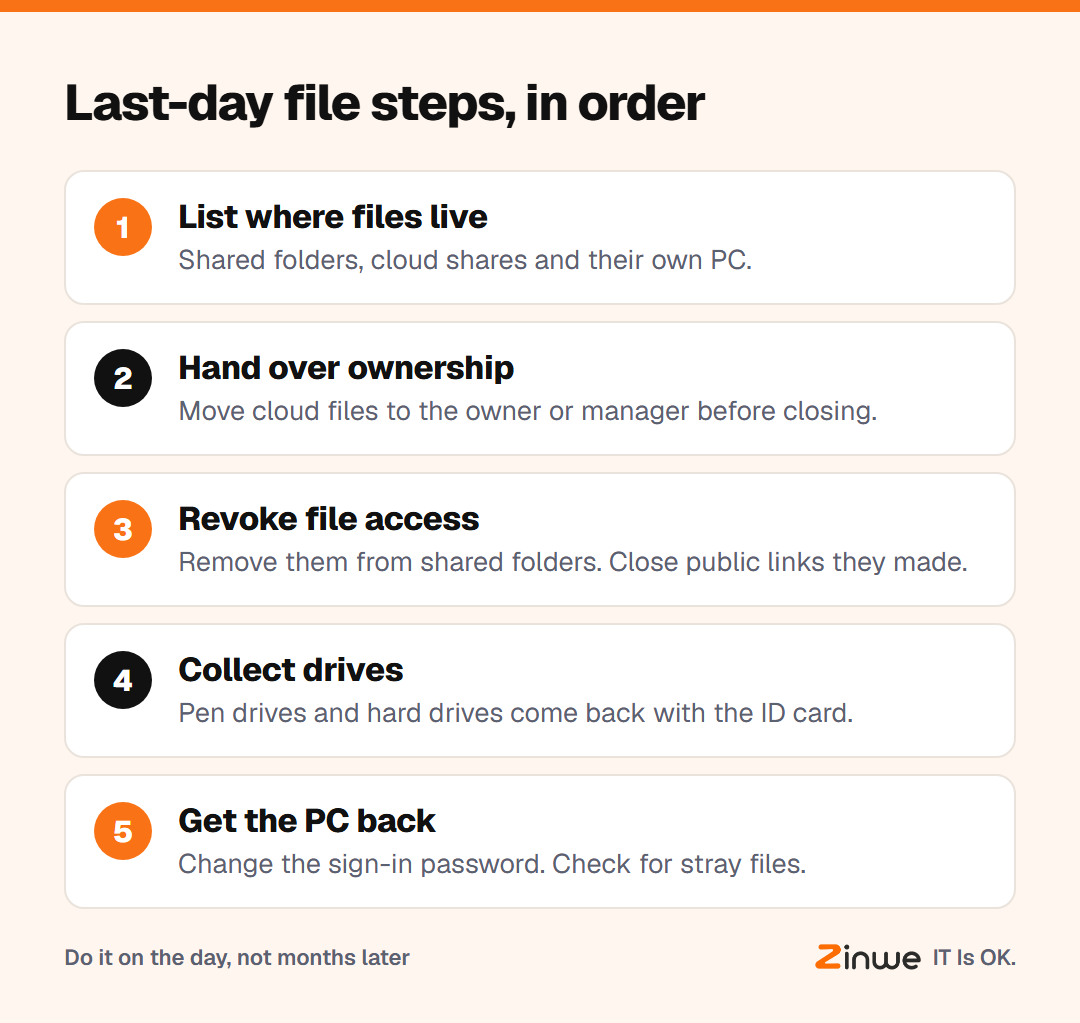
1. Hand over ownership
In cloud drives, files the leaver created may belong to their account. Transfer ownership to the owner or their manager before closing anything, or the files can vanish with the account.
2. Revoke file access
Remove them from every shared folder and every cloud share. Check for "anyone with the link" shares they created, too, since those keep working after they've gone.
3. Collect pen drives and hard drives
Ask, kindly and directly, for any work pen drives or external drives. Treat it as normal handover, like returning keys.
4. Get the PC back, then check it
Take the PC back at the end of the day and change its sign-in password. Look for work files saved outside the shared folder before you wipe or reassign it.
What does a good last day look like?
Picture an 11-person architecture practice in Chennai. A junior architect leaves on a Friday. On Thursday, she moves her drawings into the project folders. On Friday afternoon, the office manager transfers her cloud files, removes her from three shared folders and switches off two public links. The pen drive with site photos comes back with her ID card. By 6 pm, the PC is locked and ready for the next joiner.
In short
- List where their files live before the last day
- Hand over ownership first, then revoke file access everywhere
- Collect drives, get the PC back and check it before reuse
Zinwe can set pen drives to read-only or blocked on Windows PCs and alert you when files are copied out, which helps in a leaver's final weeks. See how to stop data leaving on pen drives, check the old accounts nobody closed, or start free for 3 PCs.