Informative
Remove a former employee's access without missing any
When someone leaves, their logins don't leave with them. This checklist covers every account a small business usually has, in the order to close them.
Zinwe team · · 3 min read
The farewell cake is finished, the laptop is back and the email is switched off. Job done. Then, three months later, you notice the former office manager is still an admin on the company Facebook page and still knows the Wi-Fi password.
Nobody forgot on purpose. There was simply no list.
Short answer: an employee offboarding security checklist is a written list of every account the person could reach, closed in a set order on their last day. Email and finance first, because they open everything else. Then cloud, tools, social pages, domain, shared passwords, Wi-Fi, the PC and your team apps.
Why does the order matter?
Because some accounts unlock others. Email can reset almost any password, so it goes first. Money comes next, because it is the hardest to undo. The rest follows from most to least powerful.
What goes on an employee offboarding security checklist?
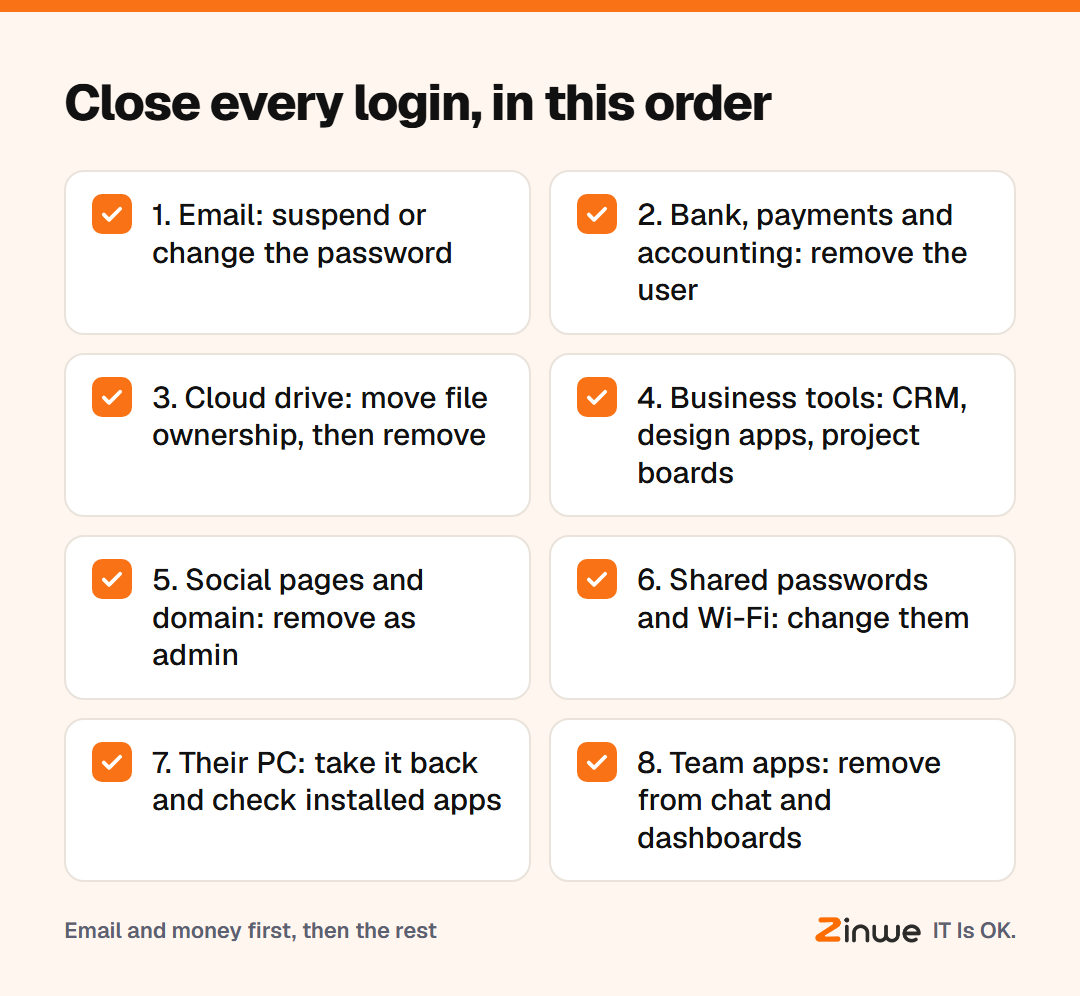
- Email. Change the password or suspend the account. Forward new mail to their manager rather than deleting the mailbox.
- Bank, payments and accounting. Remove them as a user. Change any shared finance login they knew.
- Cloud drive. Move ownership of their files to a colleague, then remove the account and any outside shares.
- Business tools. CRM, design apps, project boards, the shared calendar. Deactivate business accounts one by one.
- Social pages. Remove them as an admin on every company page.
- Domain and website. Check they are not the owner or an admin of the domain or hosting.
- Shared passwords and Wi-Fi. Change any password they knew, including the office Wi-Fi.
- Their PC. Take it back, sign them out of everything, and check the installed apps before it goes to someone else.
- Team apps. Remove them from team chat groups and any team dashboard.
How do you make the offboarding process stick?
Picture a 13-person marketing studio in Atlanta. The owner turns the list into a shared sheet with one row per account and a column for each leaver. On the last afternoon, the office manager works down the rows and ticks each box. It takes about forty minutes. The next time someone leaves, nobody has to remember anything.
Two habits help. Add a row to the sheet every time the business signs up for a new tool. And for the weeks before the last day, read what to watch during the notice period. For the files themselves, see last-day file steps.
In short
- Write every account down once, before anyone leaves
- Close email and money first, then the rest in order
- Add a row whenever you sign up for a new tool
If you use Zinwe, removing the person from your team is the last row; how to manage your team in Zinwe shows where. New to it? Start free for 3 PCs and get an alert whenever files go to a pen drive from a Windows PC.