Informative
How to protect company data when staff work from home
A home office has a family PC, a router nobody set up and a printer in the hallway. Five simple house rules keep company data safe outside the office.
Zinwe team · · 3 min read
At the office, the PC belongs to the business, the Wi-Fi is yours and the printer sits by your desk. At home, the same work happens on the family laptop, over a router with its factory password, next to a teenager doing homework.
The work is the same. The surroundings are not.
Short answer: remote employee data protection comes down to a few house rules: a work-only PC or at least a work-only login, a home Wi-Fi password that isn't the default, no printing customer files at home, and the same pen drive rules as the office.
What changes when work moves home?
Four things, mostly:
- Home Wi-Fi. Many routers still use the password printed on the sticker, and neighbours may know it.
- Family PCs. A shared laptop means other people can open work files, install games and click odd links.
- Home printing. A printed invoice in a home dustbin is still customer data.
- Pen drives. At home, nobody sees a pen drive go in or out.
What are good remote employee data protection rules?
Keep them short enough to remember:
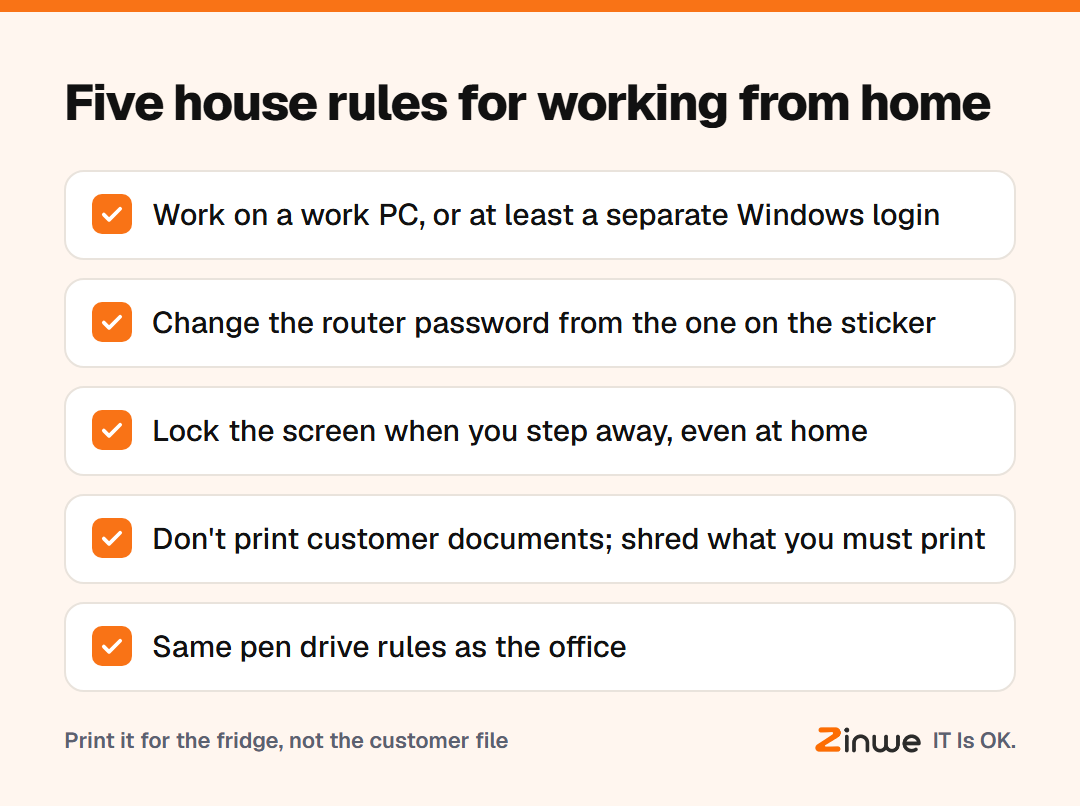
- Work on a work PC, or a separate Windows login. Family members use their own account.
- Change the router password from the one on the sticker.
- Lock the screen when you step away, even at home.
- Don't print customer documents unless you must, and shred what you print.
- Same pen drive rules as the office. If USB is read-only at work, it is read-only at home.
These habits matter for remote work security more than any clever tool. For the reasoning behind rule one, see why work and personal data should stay apart.
How does a secure home office look in practice?
Take a 14-person bookkeeping firm in New Jersey with four people working from home three days a week. The owner gives each of them an office laptop instead of letting them use family PCs. Each person changes their router password on a video call with the office manager, which takes ten minutes. Pen drives stay read-only on every laptop, wherever it is.
Nothing about this is strict. It simply means the home desk follows the same rules as the office desk.
In short
- Home Wi-Fi, family PCs, printers and pen drives are the four new risks
- A work-only PC or login fixes most of them at once
- Keep office rules the same wherever the laptop is
Zinwe keeps working on a Windows PC at home as long as it has internet, so USB and data transfer alerts reach you wherever your team sits, and each person's work day shows on the Activity page. See how to track work hours fairly, or start free for 3 PCs.