Informative
How to see team activity without a surveillance culture
A surveillance culture starts with one careless remark, not with software. Four simple rules, and a short announcement you can send today, keep it fair.
Zinwe team · · 3 min read
A surveillance culture rarely starts with software. It starts with one remark in a team meeting: "I noticed you were on YouTube for an hour yesterday." Everyone in the room hears it. From then on, every click feels watched.
Short answer: ethical employee monitoring comes down to how you behave, not just what the tool does. Announce it before it starts, explain why, share what you can see, and always ask before you accuse. Four rules, applied every time, keep workplace trust intact.
What are the four rules of ethical employee monitoring?
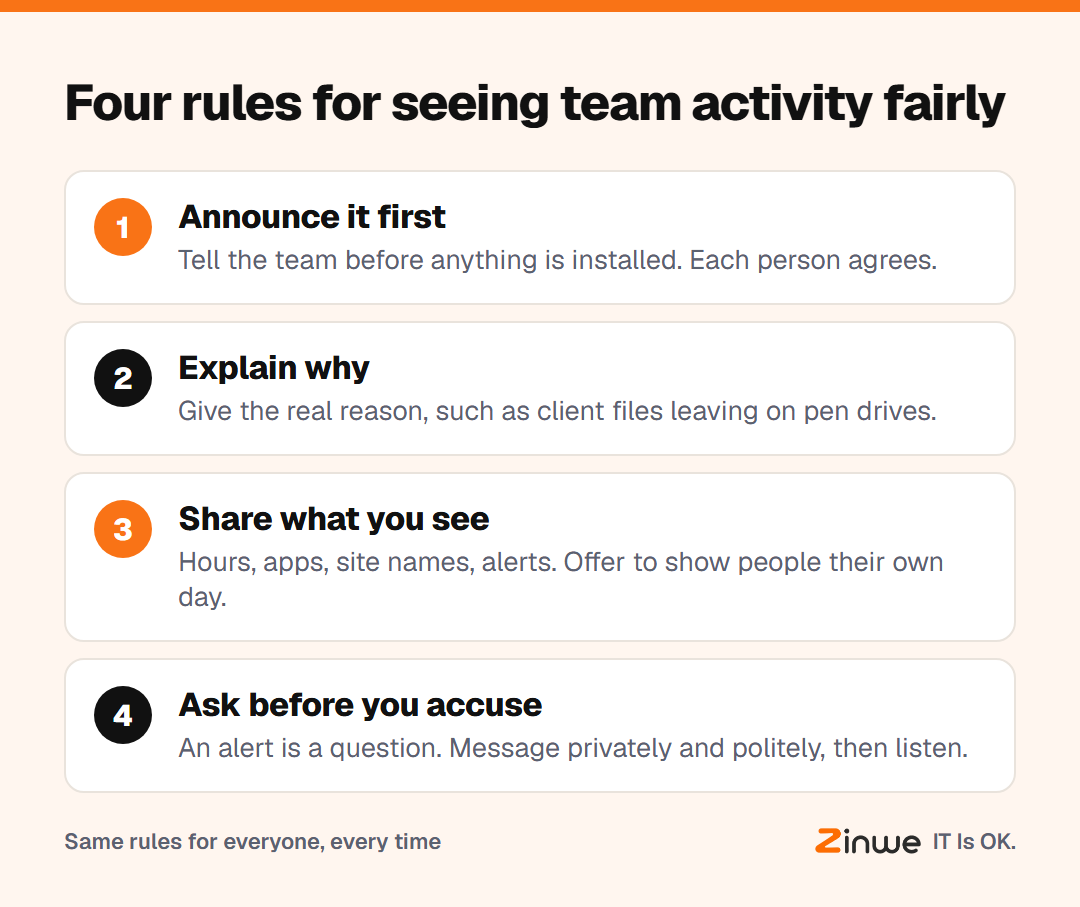
1. Announce it first
Nobody should discover it on their own. Tell the team before anything is installed, and let each person agree on their own PC. Monitoring with consent is the only kind worth having.
2. Explain why
Be specific. "Our client files matter, and I want to know if they ever leave on a pen drive" is a reason. "Just keeping an eye on things" is not.
3. Share what you see
Tell the team exactly what shows up: work hours, apps, site names, alerts about files leaving. Offer to show them their own day. Transparent employee monitoring has nothing to hide from the people it covers.
4. Ask before you accuse
An alert is a question, not a verdict. A large file copy might be a client handover. A late start might be a hospital visit. Message the person privately and politely, then listen.
What should you never do?
- Raise something you saw in front of the team
- Quietly check one person more than others
- Use the data to settle a dispute you've already decided
What should the announcement say?
Keep it short. Copy and adapt this:
"From next Monday, we're adding a small tool to office PCs. It shows when you log in, take breaks and log out, which apps and websites (by name) you use, and alerts me if files leave on pen drives. It doesn't record your screen, read your messages or log your typing. You'll see a notice on your PC to accept or decline, and you can ask me anything first."
Picture a 12-person ad agency in Ahmedabad. The owner sent a message like this, then held a ten-minute Q and A. Three weeks later, a pen drive alert came in. He sent one polite line asking about it. The reply came back in a minute: a client had asked for raw photos by hand. That was the end of it.
In short
- Announce, explain, share, ask
- Raise concerns privately, never in a meeting
- Send a clear, honest announcement before day one
Zinwe lets you send a polite message about one alert straight from the alert itself. See how to message an employee about an alert, or read about balancing monitoring and trust.