Informative
Simple ways to protect what your business runs on
Fourteen articles, five ideas worth keeping. Our first IT Is OK roundup on protecting customer details, files and logins in a small office.
Zinwe team · · 3 min read
Welcome to the first IT Is OK roundup. This month we wrote fourteen short articles for owners who run a small office without an IT team. They covered customer details, shared files, email, passwords and everyday habits.
If you only have five minutes, this page is for you.
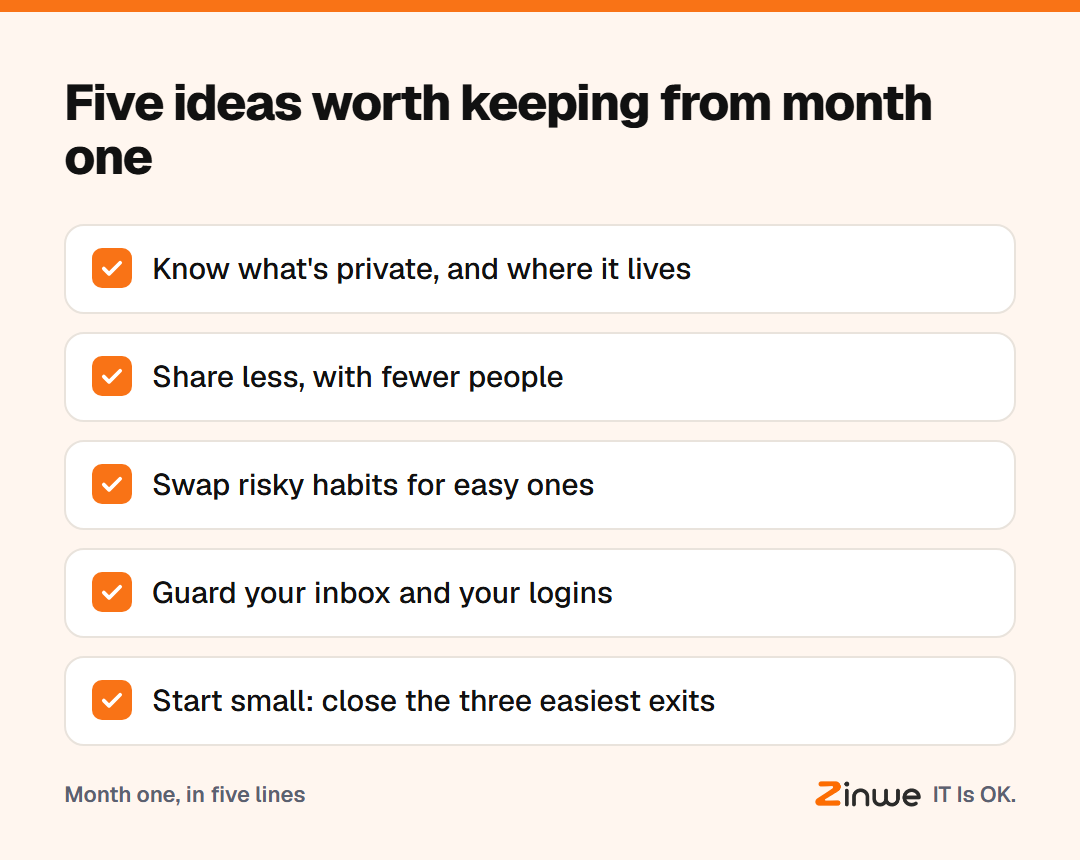
Short answer: to protect business information, you don't need a big plan. Know what is private and where it lives. Share less, with fewer people. Swap risky habits for easy ones. Guard your inbox and logins. And start with the three easiest exits.
Which five ideas protect business information best?
1. Know what's private, and where it lives. Customer details hide in inboxes, spreadsheets, chats and pen drives. List the places first, as in how to protect customer information in a small office. Then sort what you find into public, internal and private, using what business information you should keep private.
2. Fewer people, smaller shares. Wide access spreads mistakes and hides who made them. Read what goes wrong when too many people see customer data. Before you send anything, run the five checks in how to share customer files without oversharing, and add the 3-second pause from why files end up with the wrong person.
3. Swap habits, don't ban them. Many slips are shortcuts, not attacks. 7 everyday office habits that leak business data gives an easy swap for each one.
4. Guard the inbox and the logins. Your email resets every other password, so read why your business email is the key to everything and turn on 2-step verification. Then set password habits your team will actually follow, and keep secrets out of threads with what you should never send over email or chat.
5. Start small, then keep going. You don't need to fix everything at once. Where to start with data protection picks three exits to close first. After that, work through the simple data protection checklist, one fix a month.
We also covered checking who can see your documents, keeping work and personal data apart, and a privacy checklist for the front desk. They're all on the blog.
Where should you start this week?
Pick one idea and give it one hour. If you're not sure which, choose idea 4 and turn on 2-step verification for your main business email today. It is small, quick and protects almost everything else.
In short
- Know what's private and where it lives
- Share less, with fewer people, and pause before you send
- Guard your inbox, and close the easiest exits first
Next month we look at leaks, leavers and access. If pen drives or remote-access tools are on your list, Zinwe sends plain-English alerts for both on Windows PCs. Start free for 3 PCs.