Tutorial
How to log in to Zinwe: with your password or an email code
Two ways into your Zinwe dashboard: your email and password, or a 6-digit code we email you. Plus how to log out and what to do if you forget your password.
Zinwe team · · 3 min read
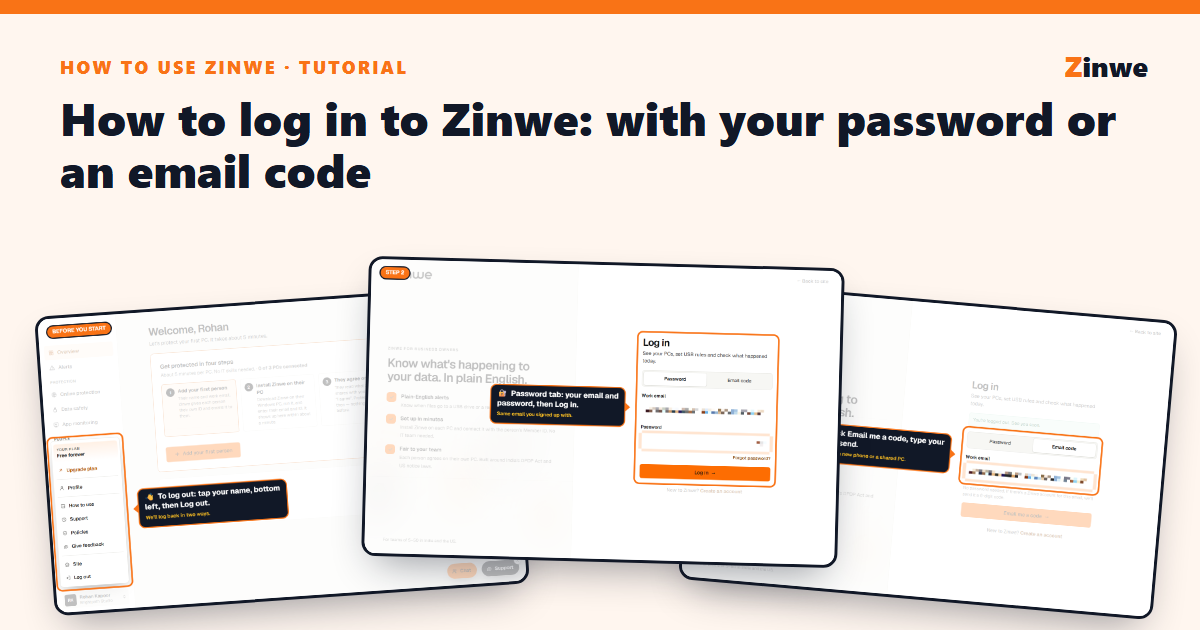
Short answer: click Log in on zinwe.io and use your email and password, or switch to Email code and we'll send you a 6-digit code instead. No password needed for that.
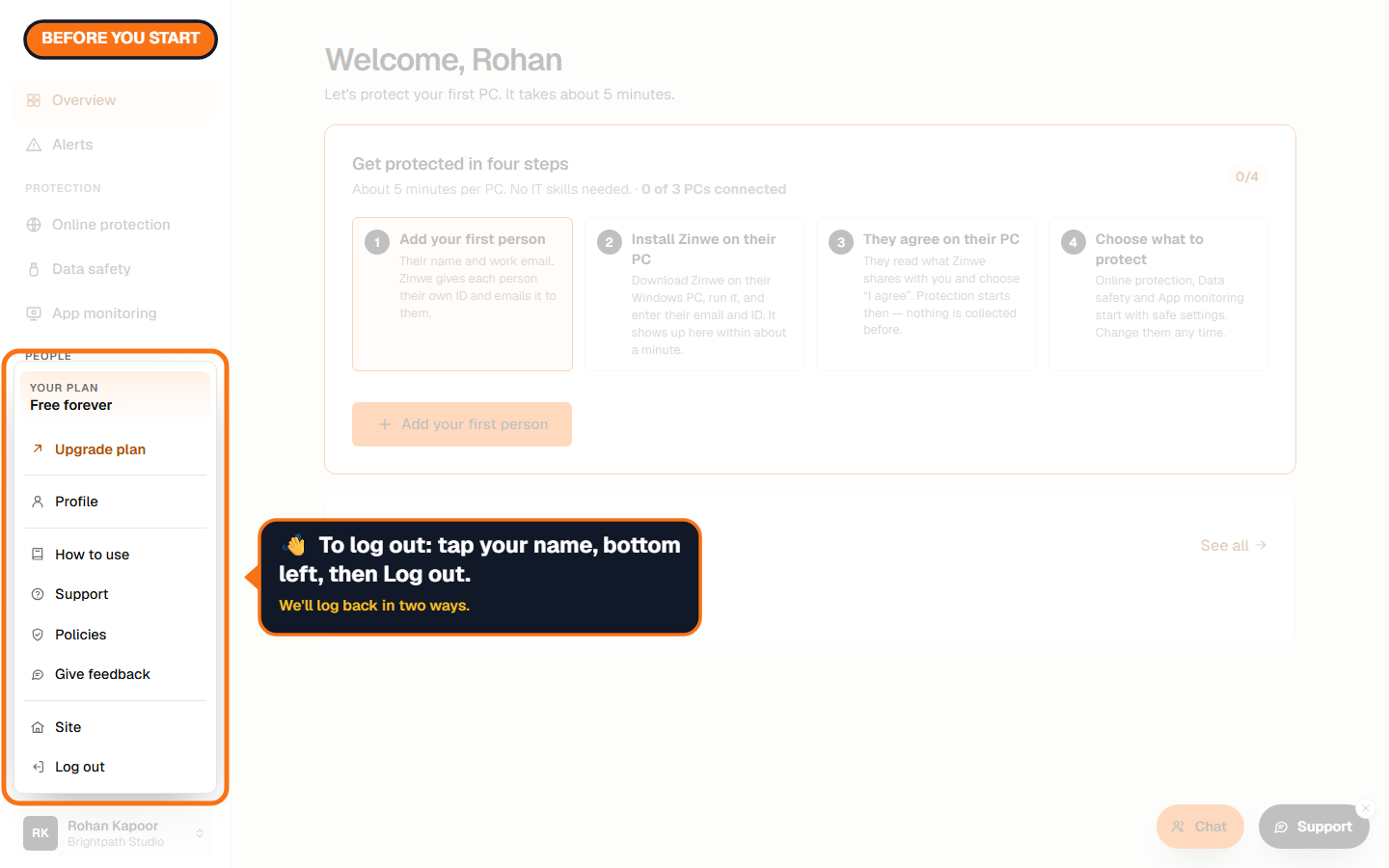
How to log out
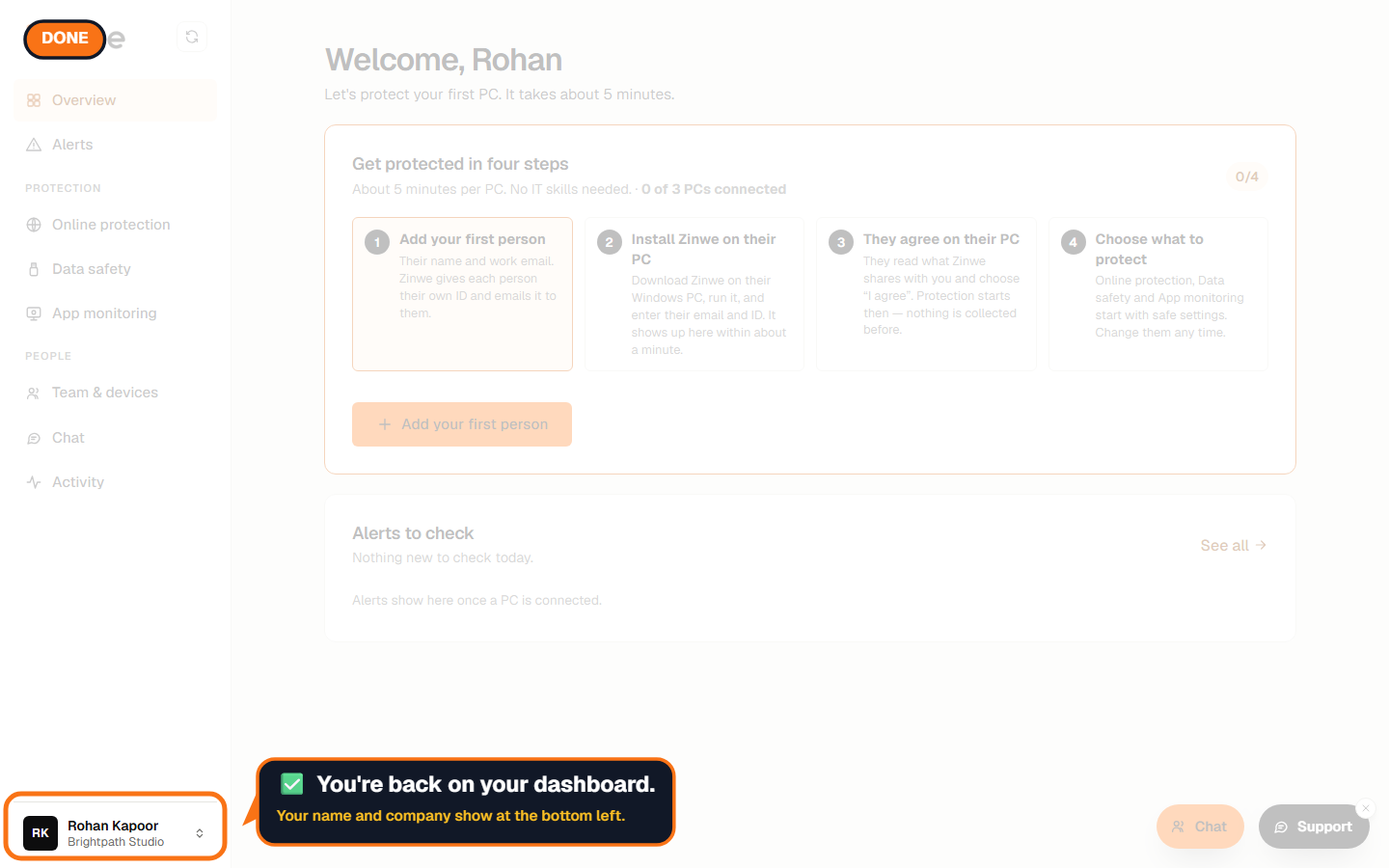
Tap your name at the bottom left of the dashboard. The account menu opens. Log out is the last item.
Way 1: Email and password
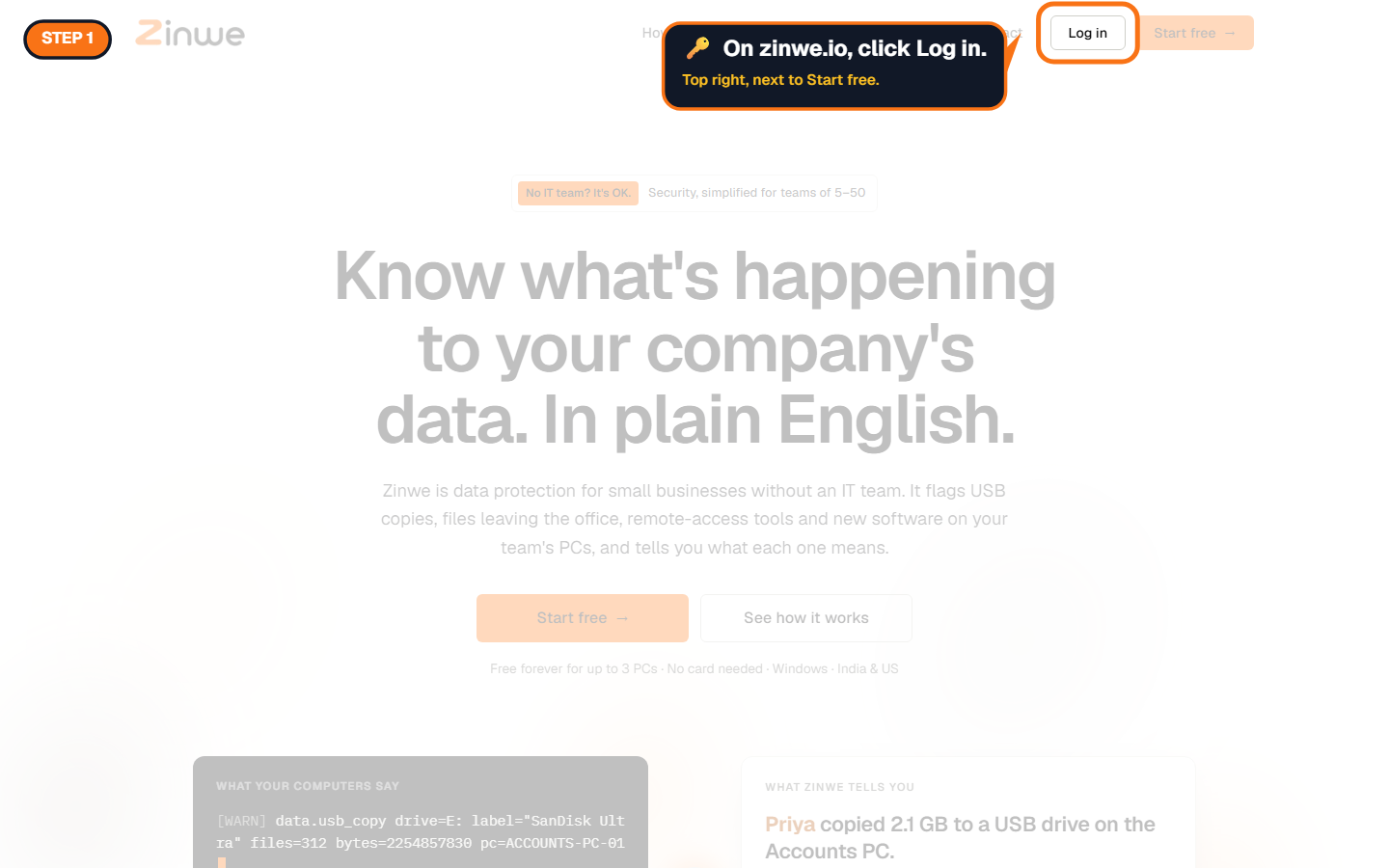
Step 1: Click Log in
It's at the top right of zinwe.io, next to Start free.
Step 2: Type your email and password
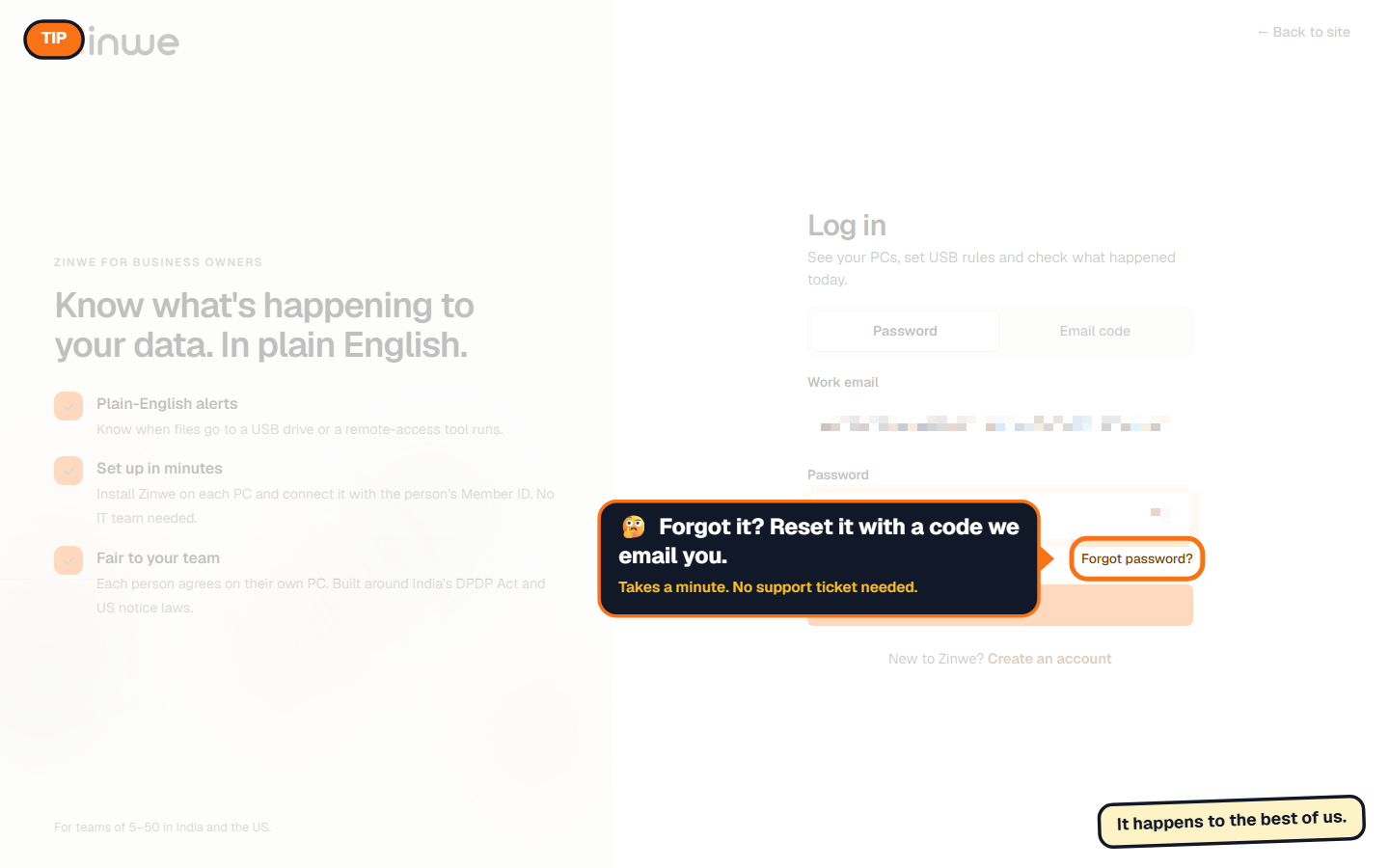
Stay on the Password tab, type the email you signed up with and your password, then press Log in.
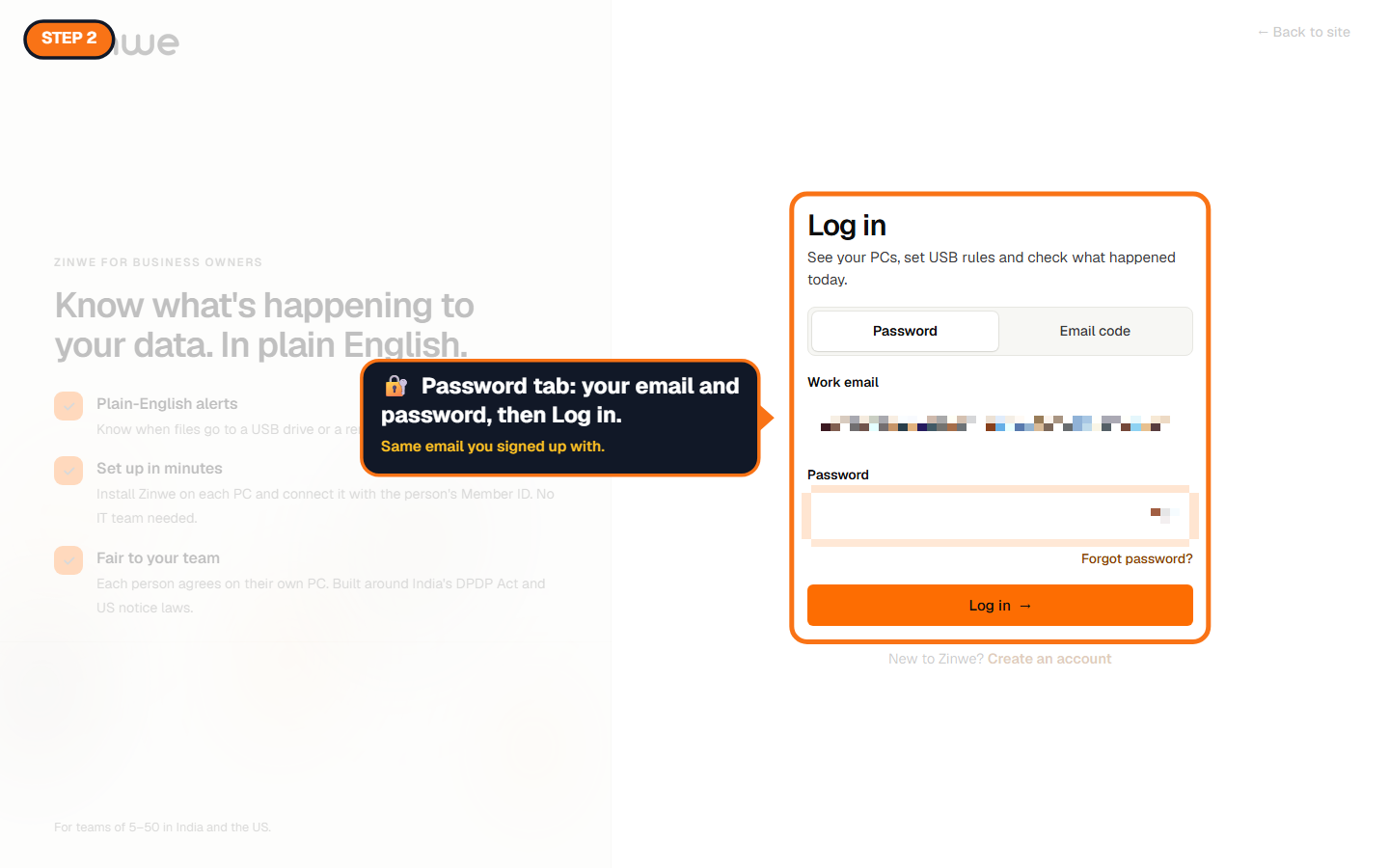
Forgot your password?
Click Forgot password? under the password box. We email you a code, and you choose a new password. It takes about a minute, and you don't need to contact anyone.
Once you're in, your name and company show at the bottom left.
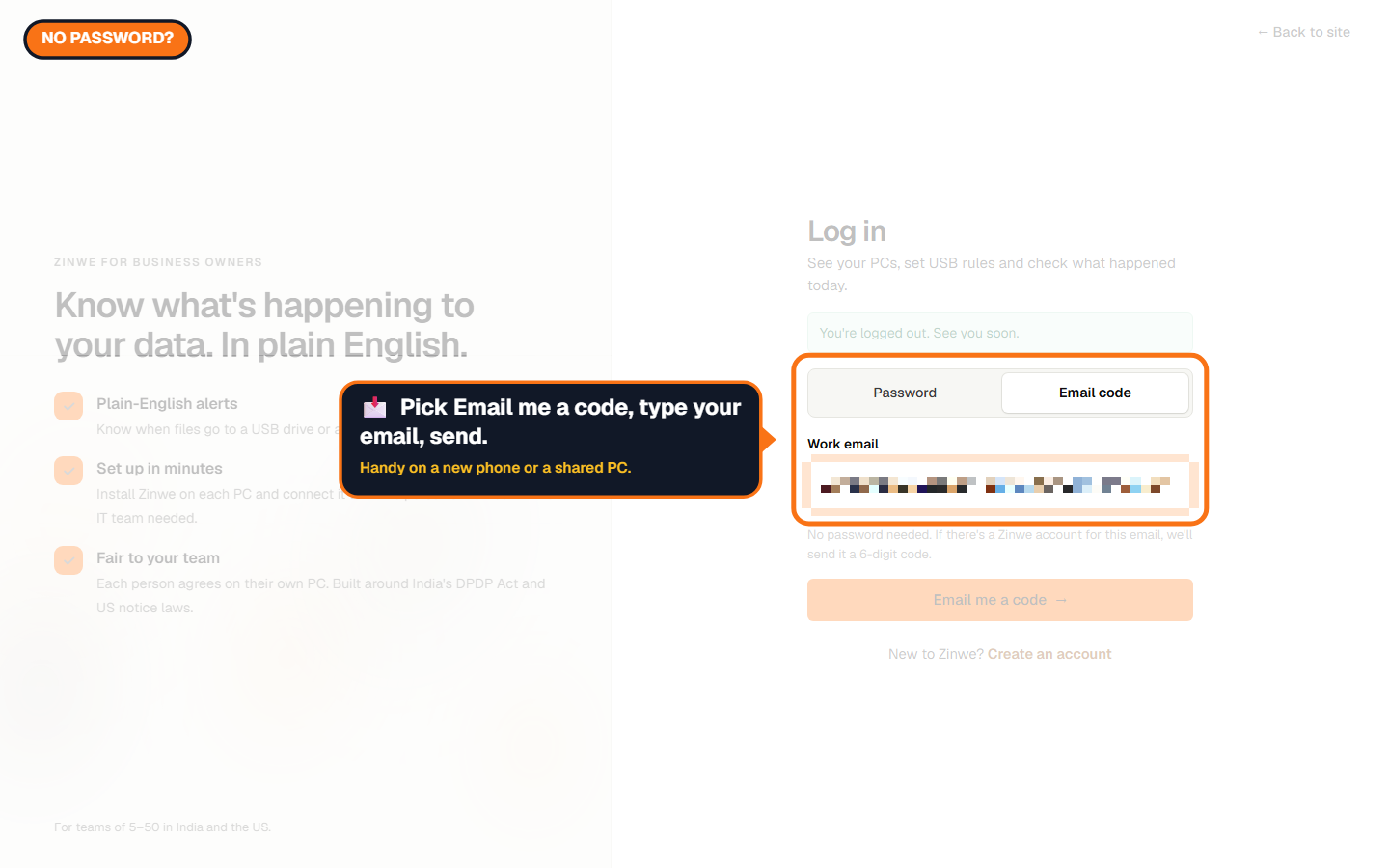
Way 2: A code by email (no password)
Handy on a new phone, a shared PC, or when your password manager isn't around.
Step 1: Switch to Email code
On the Log in page, pick the Email code tab, type your work email and press Email me a code.
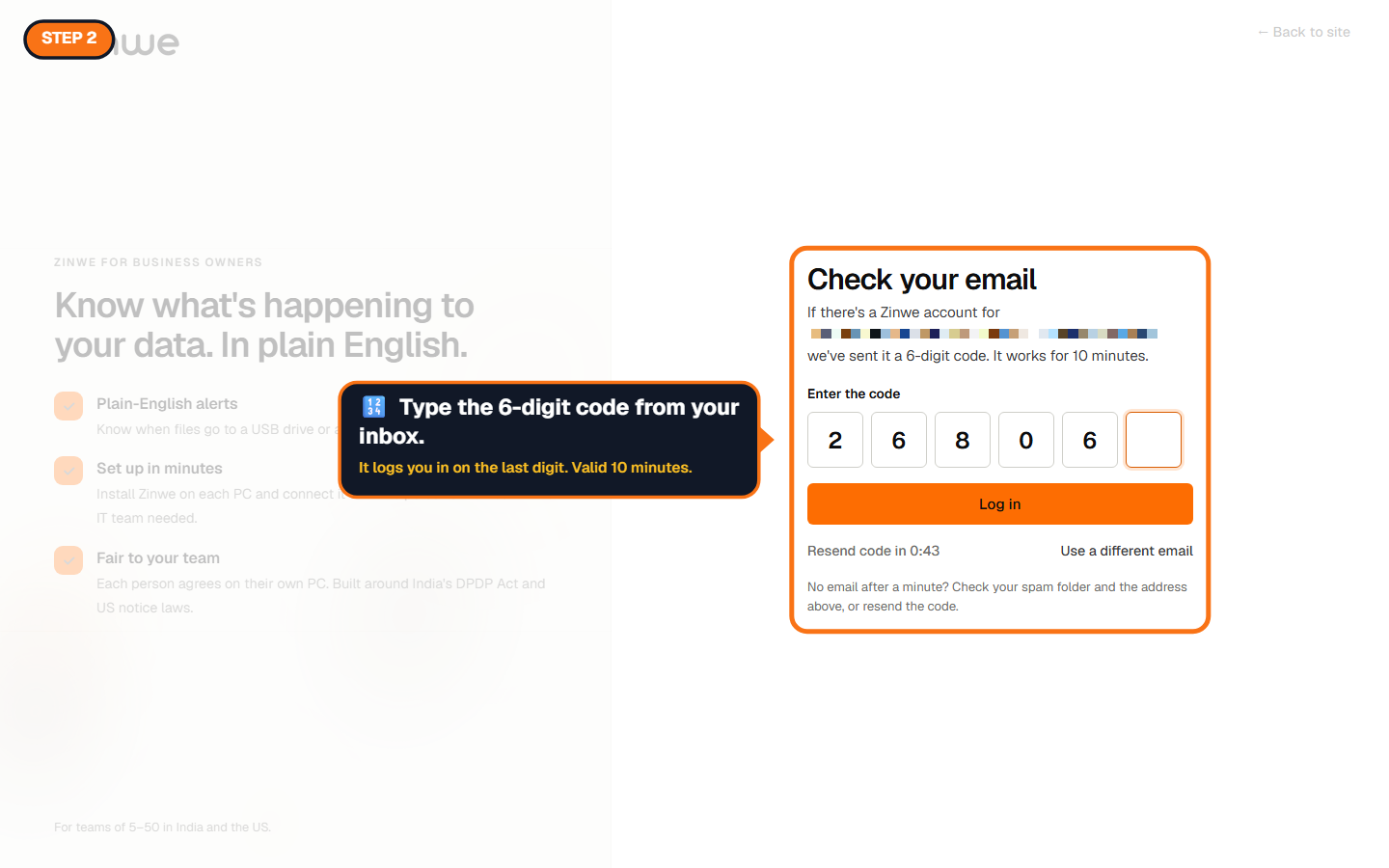
Step 2: Type the 6-digit code
Open the email from Zinwe and type the code. You're logged in as soon as the last digit is in. The code works for 10 minutes and only once.
Keep your account safe
- Zinwe never asks for your code by phone, chat or email. If someone does, it isn't us.
- Change your password any time in Profile → Password.
- If a code arrives that you didn't ask for, you can ignore it. Nobody gets in without it.
The How to use Zinwe series
Get started
- Zinwe in 5 minutes
- Create your free account
- Log in (you are here)
- Get help: tour, How to use, Support
Set up
Protect your data
- Read and handle an alert
- Control pen drives
- Block remote-access tools
- Block websites
- New-software alerts
Your team
Your plan