Tutorial
Zinwe in 5 minutes: what it watches, and what it never records
A quick tour of the Zinwe dashboard: the day at a glance, plain-English alerts, websites, data leaving your PCs, apps and remote tools, work hours, and the things Zinwe never records.
Zinwe team · · 3 min read
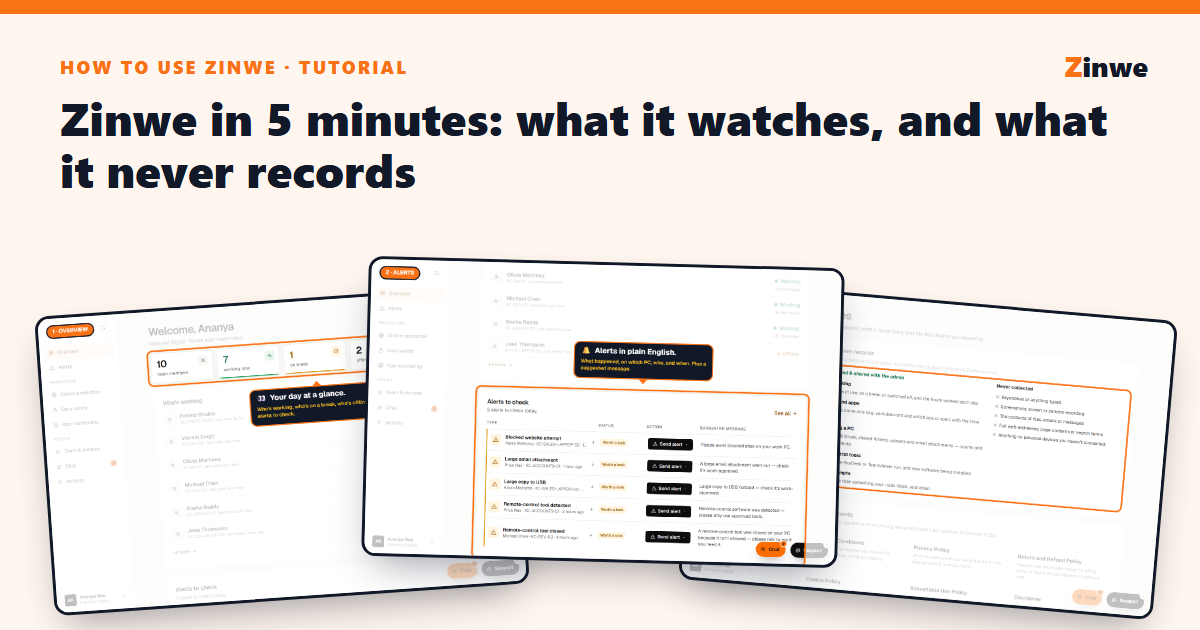
Short answer: Zinwe puts a small agent on each Windows PC in your office and tells you, in plain English, when company data leaves: a pen drive, a big upload or email attachment, a remote-control tool, new software. Your team sees it and agrees to it. You see everything on one dashboard.
The screenshots come from our demo account: a sample company with made-up staff.
1. Your day at a glance
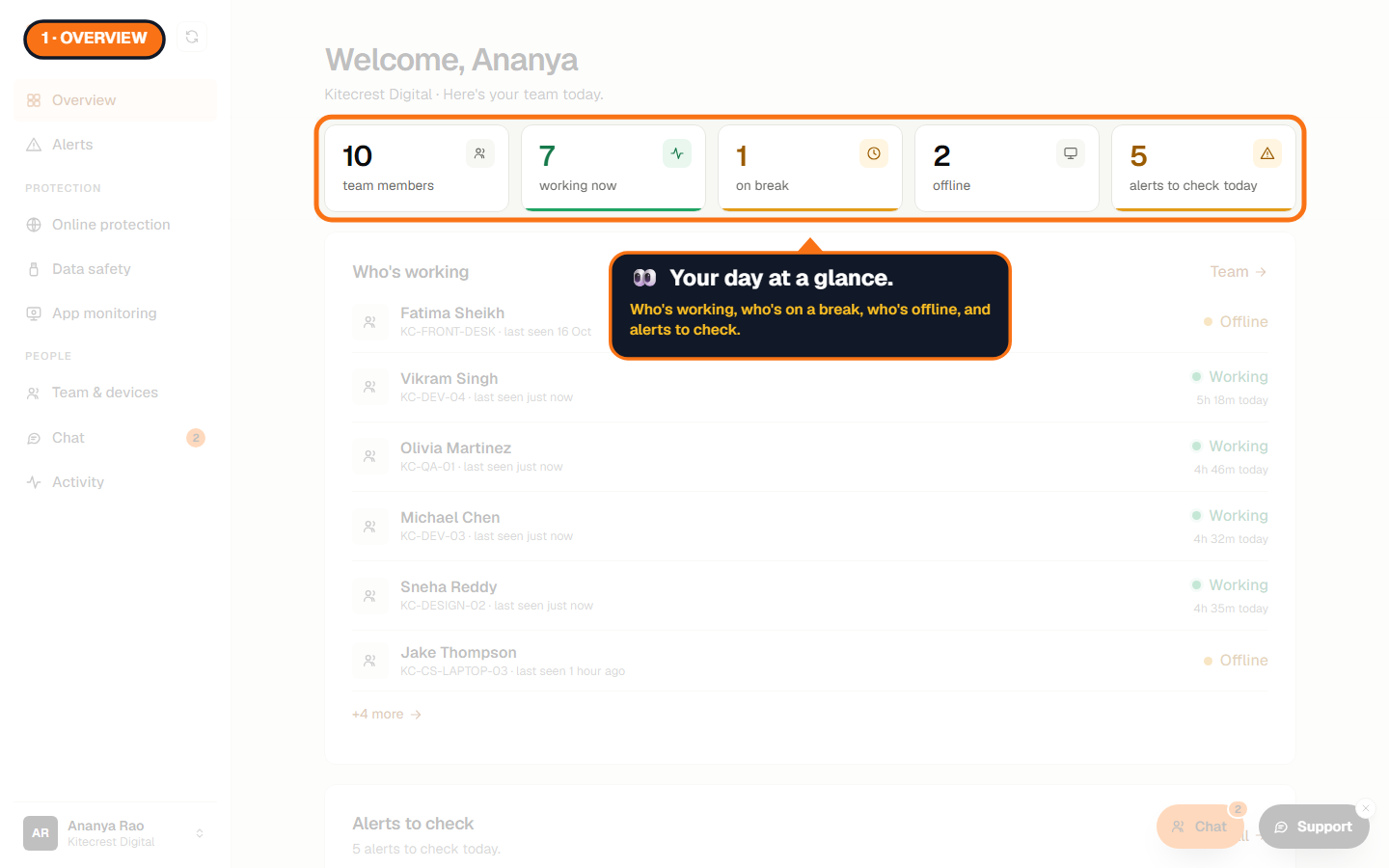
Overview opens first. Tiles show your team, who's working now, who's on a break, who's offline and how many alerts need you today. Below: who's working, and the newest alerts.
2. Alerts in plain English
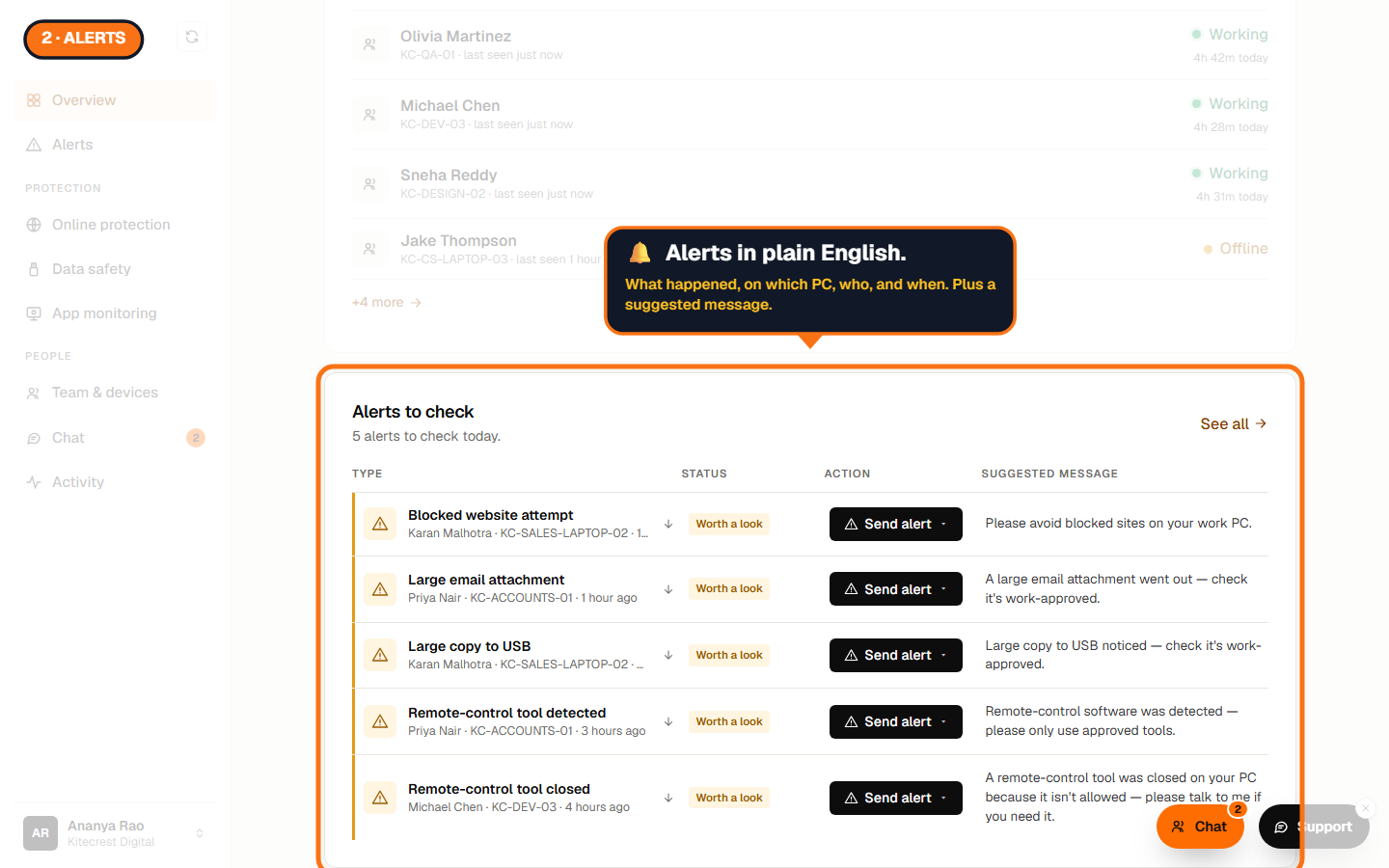
Each alert says what happened, on which PC, who, and when, with a suggested message you can send them. No logs to decode.
3. Online protection
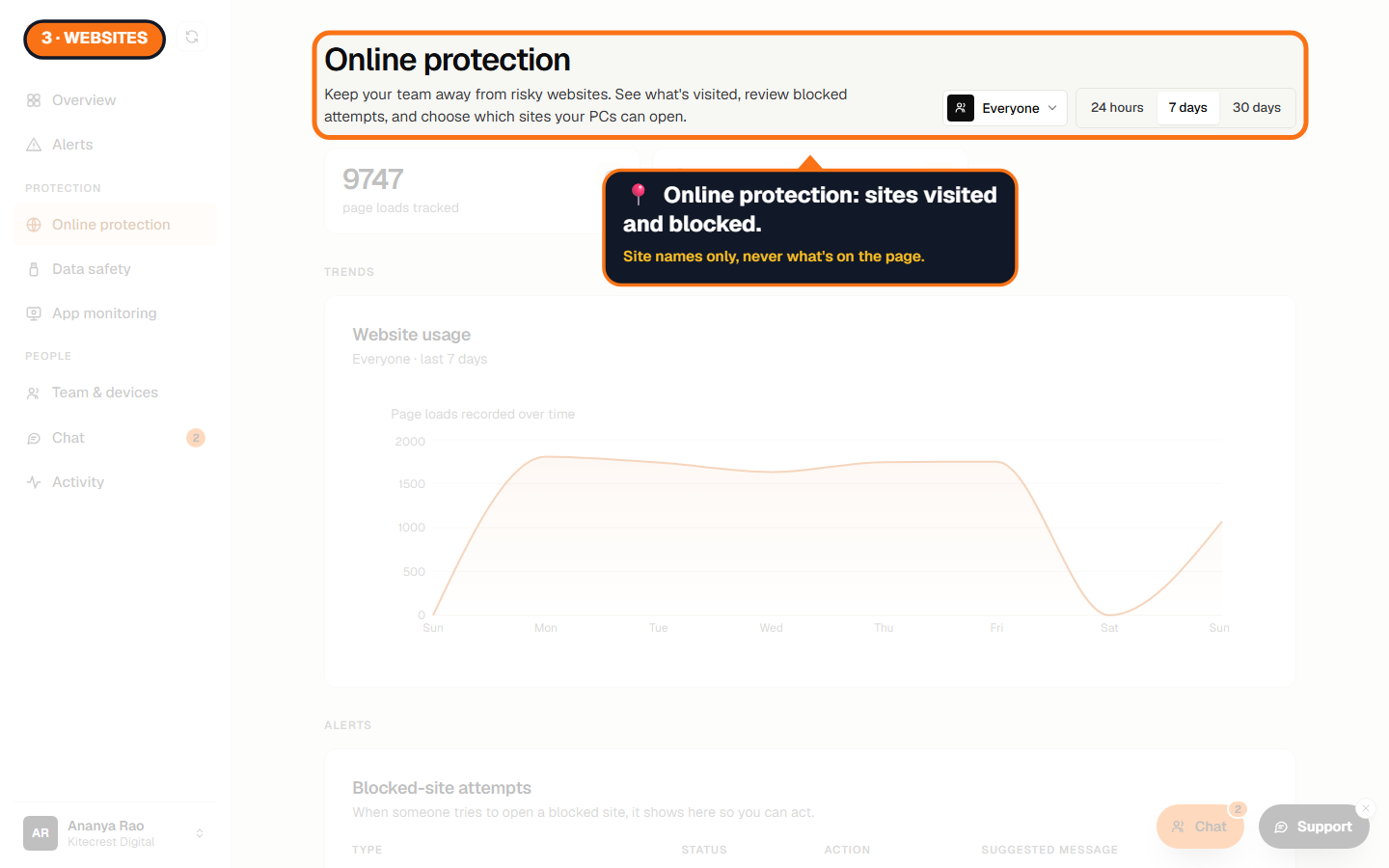
Which websites your team visits, by name only, and every attempt to open a site you've blocked.
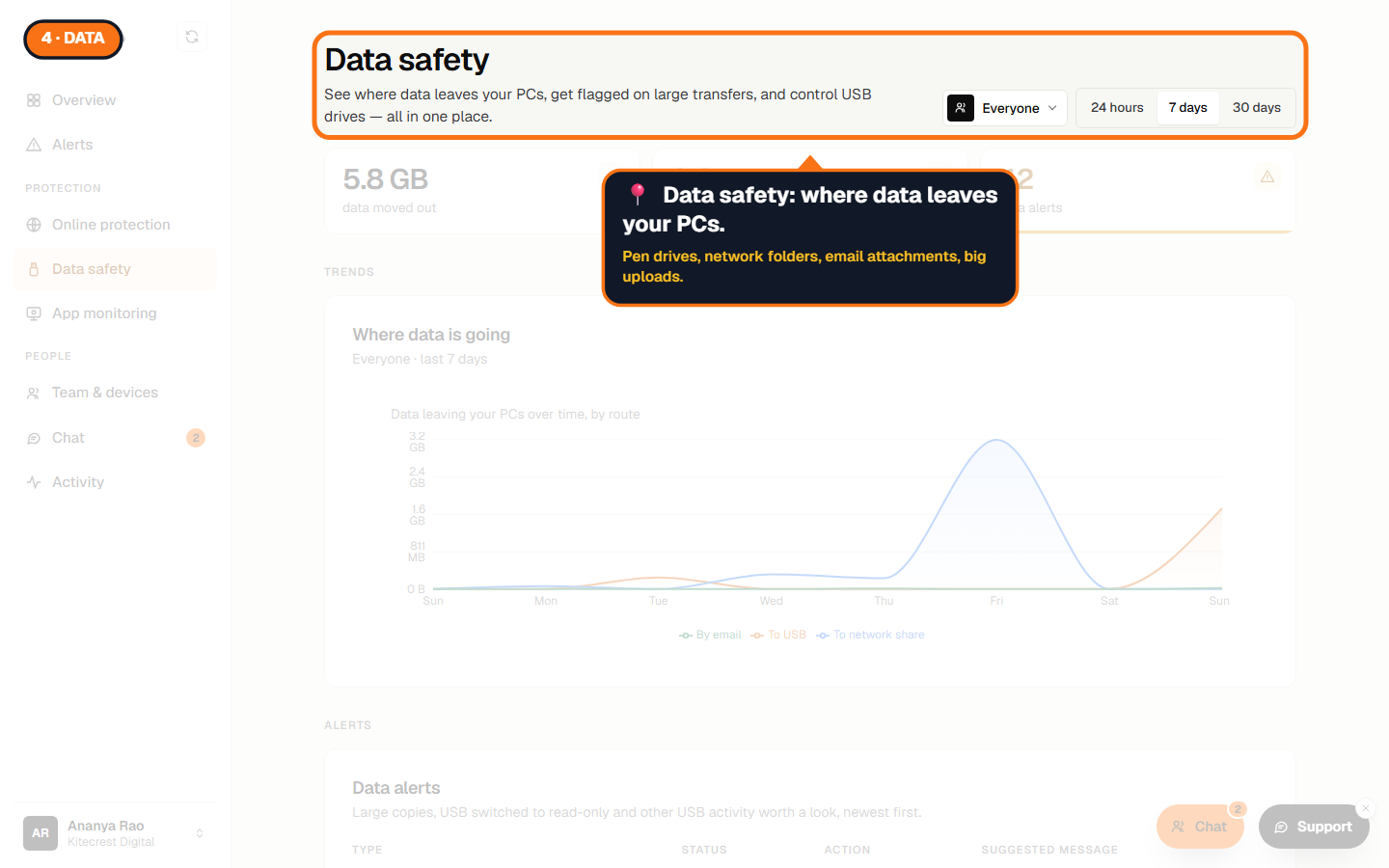
4. Data safety
Where data leaves your PCs: copies to pen drives and network folders, email attachments, big uploads. Set USB to Allow, Read-only or Block.
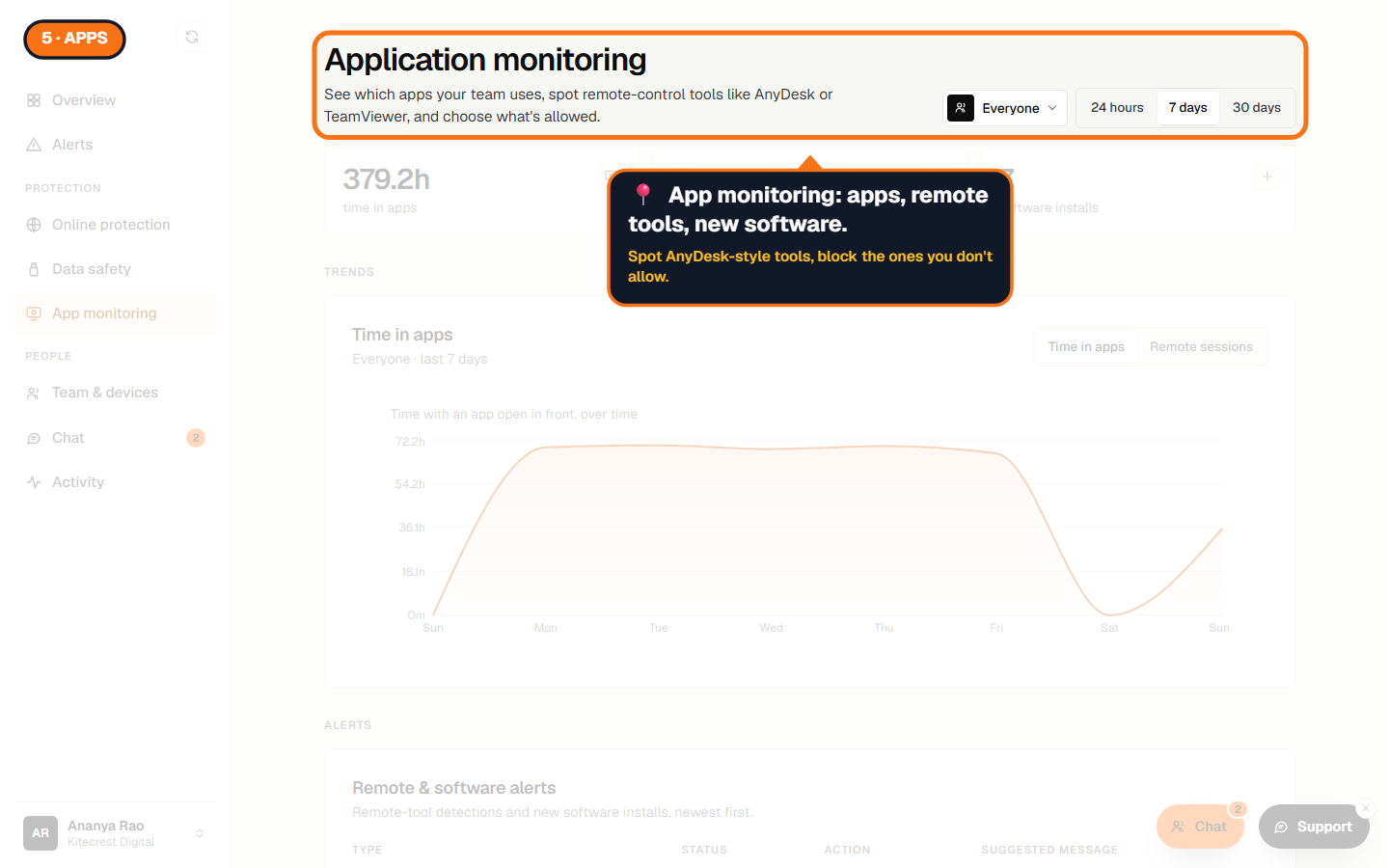
5. App monitoring
The apps your team works in, remote-control tools like AnyDesk or UltraViewer as they start, and new software as it's installed.
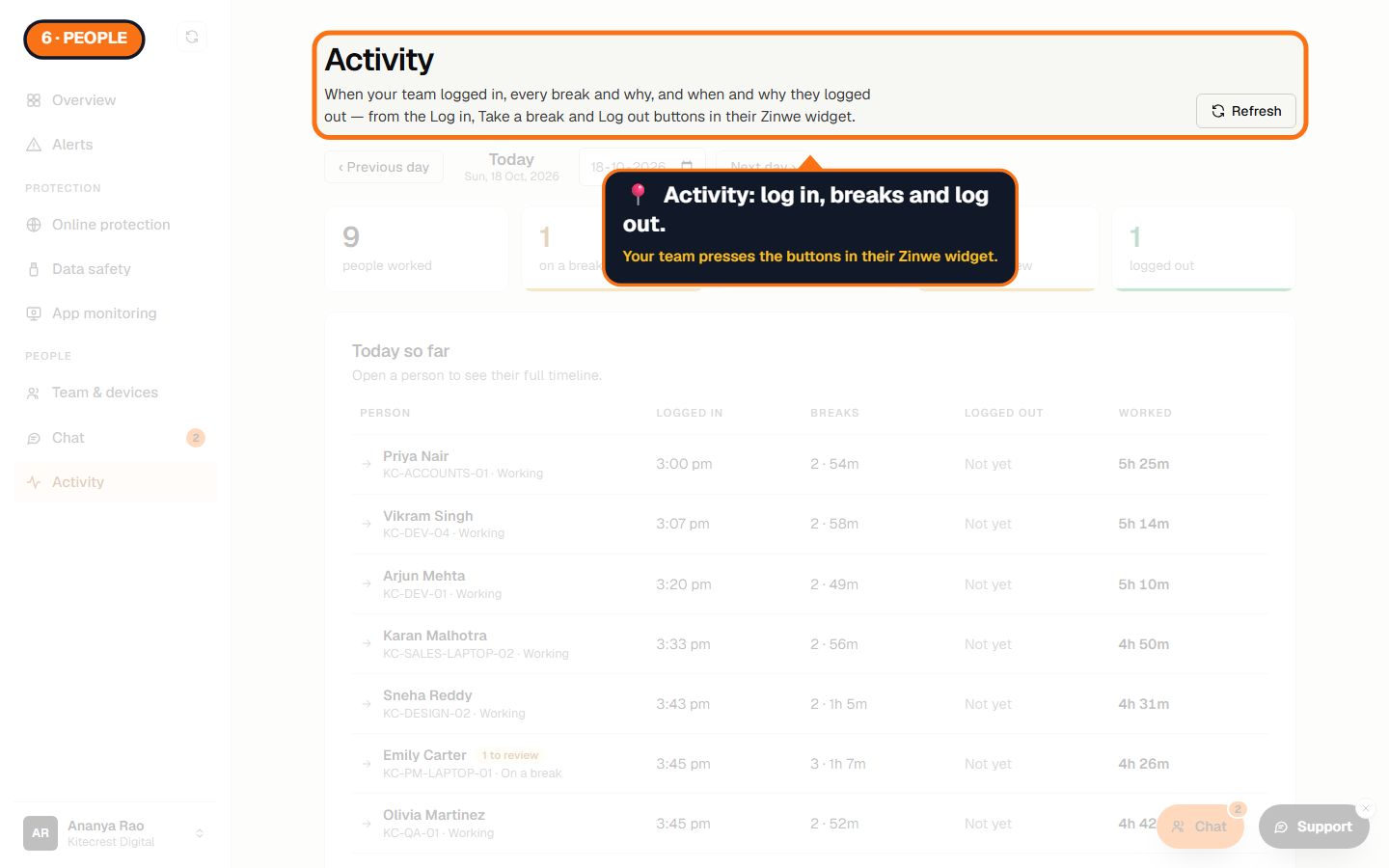
6. Activity
When each person logged in, took a break and why, and logged out. They press the buttons themselves in their Zinwe widget.
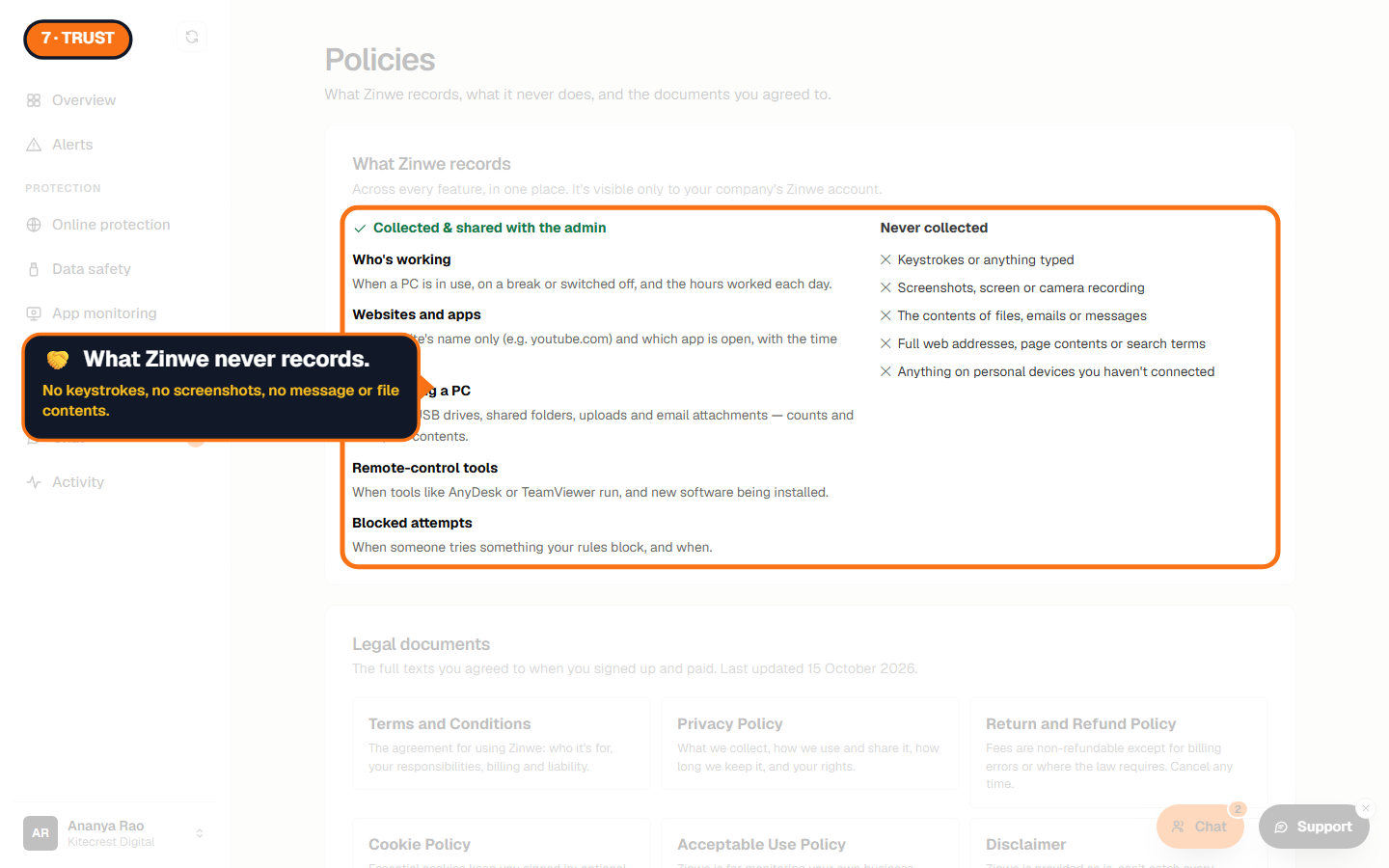
7. What Zinwe never records
This matters as much as what it does record. Zinwe never records keystrokes, screenshots or the screen, the contents of files, emails or messages, full web addresses or page contents, or anything on personal devices you haven't connected. The full list is on the Policies page in your account menu.
Good to know
- Every plan has every feature. Free forever covers 3 PCs, with no card and no time limit.
- Zinwe runs on Windows 10 and 11 today.
- Your team sees the Zinwe widget on their PC, and nothing is recorded until they agree to it.
The How to use Zinwe series
Get started
- Zinwe in 5 minutes (you are here)
- Create your free account
- Log in
- Get help: tour, How to use, Support
Set up
Protect your data
- Read and handle an alert
- Control pen drives
- Block remote-access tools
- Block websites
- New-software alerts
Your team
Your plan